GTA 6 clothing options: hats, shoes, glasses and jewelry
Find GTA 6 clothing options for hats, shoes, eyewear and jewelry: Wardrobe tabs, the Style map, clothing stores, and edition or story unlocks.
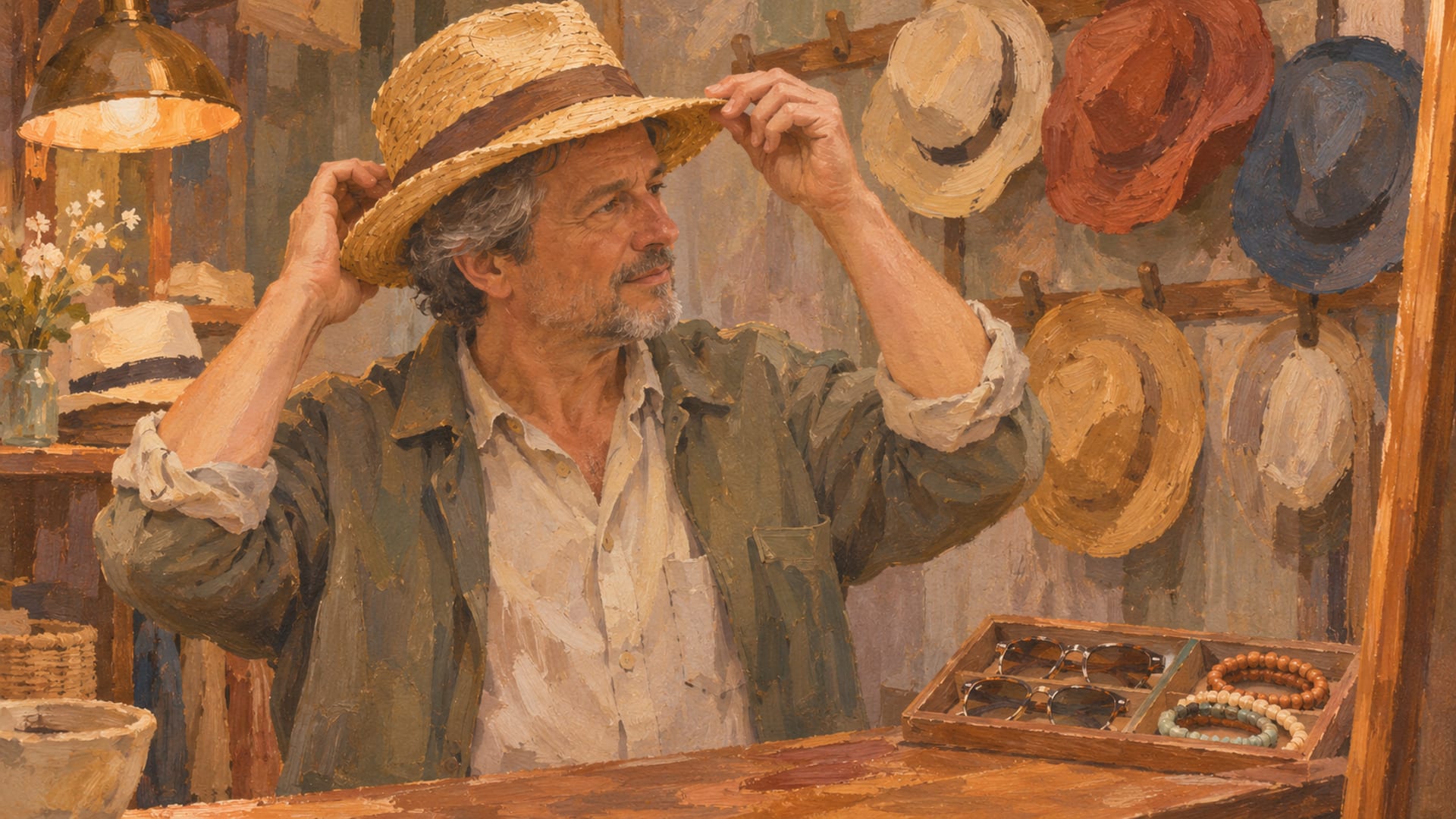
GTA 6 lets you finish a look with headwear, footwear, eyewear, jewelry, watches and face coverings, on top of the tops, bottoms and outfits you build the look around. You can customize Jason and Lucia with them, and the game is out now on PS5 and Xbox Series X|S, per Rockstar's launch page.
Start in two places. The Style map category shows clothing stores and dedicated footwear stores, and the Wardrobe menu is where you combine pieces and save a full outfit. In launch-week PlayStation footage, the Wardrobe has tabs for Outfits, Tops, Bottoms, Footwear and Accessories, and Accessories holds Headwear, Eyewear, Jewelry and Watches.
Some pieces depend on your edition or your progress. Stock 305 is listed as Ultimate Edition content, so check the edition benefits on your platform's store listing before you buy or upgrade, and bonus outfits and hairstyles arrive as the story moves. Item names, stock and menu prompts can change with updates.
Key Takeaways
Wardrobe tabs
The Wardrobe shows Outfits, Tops, Bottoms, Footwear and Accessories, and Accessories holds Headwear, Eyewear, Jewelry and Watches.
Where to shop
The Style map category lists clothing stores and dedicated footwear stores such as Flip Flop House, Callus, Podium Sports and WHS.
Quick changes
In a creator's PlayStation footage, the Items wheel toggles hats and glasses during play, while the Wardrobe handles full outfits.
Edition and story limits
Stock 305 is listed as Ultimate Edition content, so check your platform's store listing, and bonus items arrive as the story moves.
What the Wardrobe tabs hold
The Wardrobe is the menu that ties everything together, and its layout is the quickest way to see what the game treats as its own category. In PlayStation footage from November 18, 2026, collected on Kingy's video page, the tabs read Outfits, Tops, Bottoms, Footwear and Accessories. The Master Miner's video, "How to Change Your Outfit in GTA 6 (Change Clothes)", shows those tabs on screen if you want to see the menu before you open it. Watch it on YouTube.
Footwear gets a tab of its own, so shoes, sneakers, sandals and similar pieces are a separate choice from your bottoms. Accessories is the tab with the finishing touches. The same footage shows Headwear, Eyewear, Jewelry and Watches inside it, which gives you four distinct slots to play with on any outfit.
That layout also tells you how to plan a look. Pick the outfit or the top and bottoms first, choose shoes from Footwear, then go to Accessories and add a hat, glasses, a necklace or a watch. Because each group has its own place in the menu, you can swap one piece without rebuilding the rest.
Hats and glasses on the Items wheel
During play, the quickest way to put a hat on or take glasses off is the Items wheel. Grand Theft Math's video, "GTA 6 Wanted System: How to Lose the Cops and Clear Your Heat", shows PlayStation prompts for hats and glasses on the wheel, and the Kingy page credits it for that footage. Watch the video on YouTube.
The video also covers outfit heat, which is recognition tied to what your character is wearing after a crime. That makes a quick hat or glasses change worth knowing about. The footage was recorded on PlayStation, so check the wheel in your own game before you rely on it in a chase.
A sensible split is to use the Items wheel for fast changes while you are moving, and the Wardrobe for building and saving a full look. Do not assume that a hat toggle changes the rest of your outfit; try it once in your own build and watch what stays on.
Where to buy clothing and shoes on the Style map
Open the map and choose the Style category. Clothing stores show up there, grouped by type: Casual & Street, Sportswear, Formal, Souvenir & Swimwear and Thrift, according to PowerPyx's clothing store guide based on the launch version on PS5. GTABase also describes the Style map as the place to find stores and combine pieces in the Wardrobe.
Dedicated footwear stores appear under Style as well. PowerPyx's footwear store guide lists Flip Flop House, Callus, Podium Sports and WHS among them. If you only want shoes, those are the stops to look for, and the footwear category on the map saves you from walking through clothing stores for a pair of sneakers.
For the full list of clothing store locations, read the clothing stores guide, which covers where to shop in more detail. The guide to in-game clothing brands lists the brands in each store type. The Leonida map page helps when you want to plan a route between stores.
Where to look for each piece
| Piece | Where to look | Where it is shown |
|---|---|---|
| Hats and caps | Wardrobe Accessories, Items wheel | Observed in game, creator footage |
| Shoes and sneakers | Wardrobe Footwear, Style map, dedicated footwear stores | Observed in game |
| Glasses and sunglasses | Wardrobe Accessories, Items wheel | Observed in game, creator footage |
| Jewelry and watches | Wardrobe Accessories | Observed in game |
| Masks and face wraps | Items wheel, reported Ammu-Nation locations | Creator footage, reported |
| Edition and story content | Stock 305, Vice City Style, Goodtime Gear | Rockstar listing, reported |
Jewelry and watches
Jewelry and Watches are both named in the Accessories tab in the launch footage, which means a chain or a wristwatch is a separate choice from your hat and glasses. That matters when you are matching a look: a watch can stay on while you change the outfit around it.
For what is on offer, the in-game stores are the place to look. Prices and inventories can shift with updates, so browse the Style map and the Wardrobe in your own build rather than relying on a list from another player's session.
If you are working toward a themed look, the Vice City outfit ideas post shows how accessories fit into a bigger style, and the character customization guide covers the rest of what you can change on Jason and Lucia.
Face coverings, as reported
Face coverings come from launch-week guides and can vary by version, so check them in your own game. GTA Playbook reports bandanas at Ammu-Nation and a gaiter at Chuck's Tackle & Shot in the Keys.
Check the Style map, Ammu-Nation and the relevant stores in your own build before you plan a trip around those locations. Stock and locations can change with an update, and the mask lineup in your version may not match what a guide lists.
Face coverings are also tied to the outfit heat idea mentioned earlier, since what you wear matters after a crime. Test how a bandana or a gaiter behaves in your own session instead of assuming it behaves the way another player's did. To find a mask first, see where to buy a mask in GTA 6.
Saving outfits and keeping spares
Once you have a look you like, the Wardrobe is where it becomes an outfit you can return to. Video Games Chronicle's guide to changing clothes describes clothing stores, a safehouse wardrobe and a personal vehicle's trunk as the places you change or store clothing, based on the launch version on PS5.
That gives you a simple routine. Buy the piece, go to a wardrobe, mix categories and save the result. The trunk detail is reported, and the option may depend on your build, so look for it on a personal vehicle before you count on it for spare outfits. Our guide to wardrobes and saved outfits in GTA 6 covers the routine in more detail.
From the map to a saved outfit
Open the Style map
Open the map and select the Style category.
Choose a category
Pick a clothing or footwear category to find a store.
Visit a store
Buy or equip an item at the store.
Mix in the wardrobe
Return to a safehouse wardrobe to combine tops, bottoms, footwear and accessories.
Save the outfit
Save the full look so you can switch back to it.
Store spares
Keep spare outfits or accessories in a personal vehicle if the option is available in your build.
Check your limits
Look at edition and chapter requirements before you plan around exclusive content.
Edition content and story progress
Rockstar lists two editions, Standard and Ultimate. On its support page for platforms, editions and versions, the Ultimate Edition includes the Stock 305 Clothing Store, Vice City Style, Goodtime Gear, Sara's Unisex Salon and other cosmetic content. Stock 305 is listed as Ultimate Edition content, so check the edition benefits on your platform's store listing before you buy or upgrade.
Rockstar also says these bonuses appear throughout Jason and Lucia's story, with new items appearing behind each chapter. PC Gamer's Ultimate Edition bonus guide reports Stock 305 in Chapter 1, Sara's Unisex Salon signature styles from Chapter 2 and more Vice City Style cosmetics in Chapter 4. Those chapter details are reports, and timing can change with updates.
For the cosmetic content tied to the edition, the Ultimate Edition customization items guide goes through what is listed, and the Sara's Unisex Salon post covers the hairstyles side.
The Vintage Vice City Pack is a separate bonus. Rockstar's support page says it includes outfits and hairstyles and was available with purchases before November 20, 2026. PC Gamer's pre-order bonus guide reports that it appears after the "Coming Home" mission and becomes claimable in Chapter 3.
Chapter timing can change with updates. When something looks missing, check the item description and the chapter requirements as you progress.
Platforms and updates
GTA 6 launched on PlayStation 5 and Xbox Series X|S, and Rockstar's current platform pages list those two. These clothing options are in the console game. For announcements about any other platform, the PC countdown page is the place to follow along, and the mod rules page explains where Rockstar's policies stand.
Wardrobe tab names, Items wheel controls, store categories, footwear store locations, face covering locations and edition requirements are all the kind of thing a patch can move. Rockstar's own real-world collection of hats and accessories is separate from the in-game clothing covered here.
When a guide and your screen disagree, trust your screen and the in-game menus. The Style map and the Wardrobe in the current build are the final word on what is available to you today.
Quick answers
Which edition lists Stock 305?
Rockstar's support page lists the Stock 305 Clothing Store under Ultimate Edition content. Look at the edition benefits on your platform's store listing before buying or upgrading.
Can you save outfits in your car?
Video Games Chronicle reports that a personal vehicle's trunk can store clothing. Look for the option on a personal vehicle in your build, since menu behavior can change with updates.
What does the Vintage Vice City Pack include?
Rockstar says it includes outfits and hairstyles. PC Gamer reports it appears after the "Coming Home" mission and becomes claimable in Chapter 3.
Are these clothing options on PC?
Rockstar's current platform pages list PS5 and Xbox Series X|S for GTA 6. Follow the PC countdown page for announcements.
Build the look and share it
With the Style map and the Wardrobe open in your current build, you have what you need to pair a hat, shoes, glasses and a watch with an outfit. For full outfit builds, read the Jason outfit ideas and the Lucia outfit ideas, and browse the Wardrobe hub for more. If you put together a look worth sharing, you can send the link to a public post or video on the submit page.
Glossary
Tap a term to see what it means.
Wardrobe. The menu used to select outfits and individual clothing categories such as Tops, Bottoms, Footwear and Accessories.
Style map. The map category that shows clothing stores and dedicated footwear stores.
Headwear. Hats, caps and similar head items.
Eyewear. Glasses and sunglasses.
Items wheel. The quick-access wheel that creator footage shows toggling hats and glasses during play.
Outfit heat. Recognition linked to what your character is wearing after a crime.
Stock 305. A clothing store that Rockstar lists as Ultimate Edition content.
Vintage Vice City Pack. A bonus with outfits and hairstyles that Rockstar says was available with purchases before November 20, 2026.
Related articles
Wardrobes in GTA 6: where outfits are stored and saved
Wardrobes in GTA 6 hold bought clothes at the safehouse. Save a full outfit from Saved Outfits, then add it to the car trunk to change away from home.
Where to buy a mask in GTA 6
Where to buy a mask in GTA 6: the Reel Neck Gaiter costs $35 at Chuck's Tackle & Shot near Key Lento, and the display opens after the Gear Up purchase.
GTA 6 outfit ideas for Jason: what to wear and where to get it
GTA 6 outfit ideas for Jason start in his safehouse wardrobe, where you can mix tops, bottoms, footwear and accessories, or pick a saved outfit.