Where to buy motorcycle helmets in GTA 6 and how to wear one
Motorcycle helmets in GTA 6 come with compatible bikes and scooters. Equip one by hand or turn on Auto Equip Helmet in Settings for automatic use.
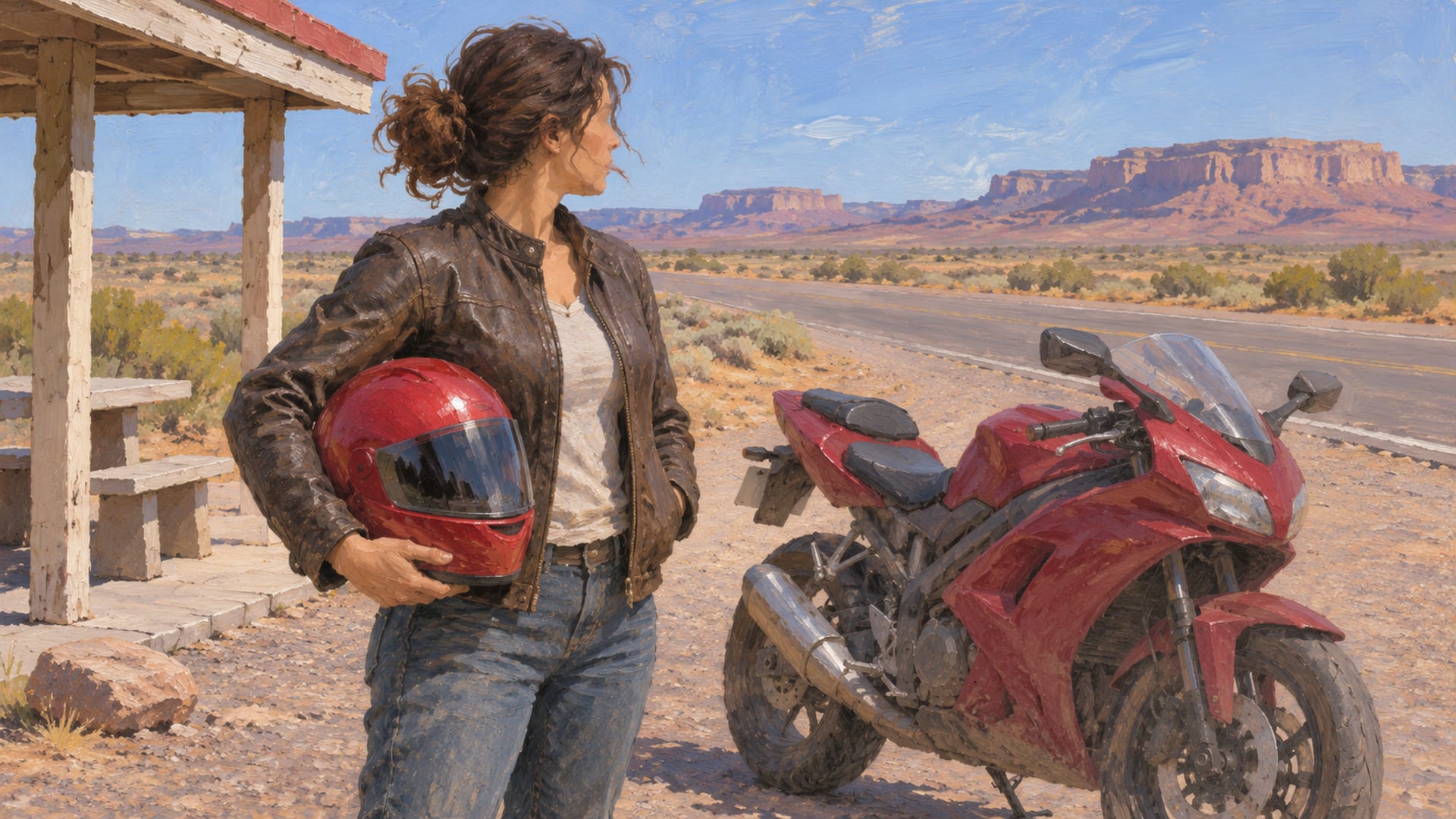
Motorcycle helmets in GTA 6 come with the vehicle itself: compatible motorcycles, scooters and bicycles supply one, so the helmet is waiting in your menu the moment you are mounted. It is not sold as an ordinary store item, which means it has no shop price.
To put one on by hand on PS5 or Xbox, mount the bike, hold L1 (LB on Xbox) to open the loadout, press R1 (RB) to reach Items, highlight the helmet and choose the equip prompt. To have the game do it for you, turn on Auto Equip Helmet under Settings, then Gameplay, then Accessibility.
Clothing stores still matter for the rest of the look. Hats, glasses and jewelry are sold there under the Style category on the map, and they carry normal store prices. These routes were seen on PS5 and Xbox at launch, and PC readers can follow the status on the PC countdown.
Key Takeaways
Where it comes from
The helmet comes from a compatible motorcycle, scooter or bicycle, so it has no shop price.
Manual route
Mount the bike, hold L1 or LB, press R1 or RB to reach Items, then highlight the helmet and choose the equip prompt.
Automatic route
Settings, Gameplay, Accessibility, then turn on Auto Equip Helmet to equip it when you mount certain bikes.
After the ride
A manually equipped helmet stayed on after the player left a scooter until Take Off was chosen, so check it on your own game version.
Where a motorcycle helmet comes from
Think of the helmet as part of the bike rather than part of your wardrobe. When you mount a compatible motorcycle, scooter or bicycle, the vehicle supplies a helmet that shows up in the loadout. You do not buy it, so there is no price to compare and no store to hunt down on the map.
In a launch-day PS5 report, Mrs. and Mr. Video Games showed the helmet appearing after mounting a scooter. The stock helmet in that report was White and Red, with three helmet styles available on that scooter. Their write-up, "GTA 6: How to Wear a Helmet," is a good place to see the sequence play out on a real console.
Leonida Notebook describes the same loadout Items menu from an Xbox Series S capture in its inventory, loadout and wardrobe guide, which covers supplied helmets on that platform.
Which vehicles count as compatible is the part to check yourself. A scooter showed a helmet in the PS5 report, and the setting description for Auto Equip Helmet mentions "certain motorcycles and bikes." If you ride a dirt bike, a street bike or a bicycle, mount it and look at the Items tab. If a helmet tile is there, that bike supplies one.
How to equip a helmet by hand
The manual route works on any compatible bike and gives you full control over when the helmet goes on. It is the route to use if you only want a helmet for certain rides, or if you want to look at the helmet styles before you set off.
The steps below were seen on PS5 on launch day, and the same button layout carries over to Xbox as LB and RB.
Equip a helmet by hand
Mount the bike
Get on a compatible motorcycle, scooter or bicycle.
Open the loadout
Hold L1 on PS5 or LB on Xbox.
Switch to Items
Press R1 on PS5 or RB on Xbox.
Pick the helmet
Highlight the helmet tile.
Choose the prompt
Select Put On to equip it, or Take Off to remove it later.
Check the style
Use the Helmet Style prompt when the game offers one.
On PS5 the helmet appeared in the Items menu only after the scooter was mounted. If you open the loadout on foot and do not see a helmet, climb onto the bike first and open the menu again.
The prompt wording can change with a patch, so read the button hints on screen rather than relying on memory. Items is also where other accessories live in the loadout, so the helmet shares a menu with gear you may already use.
Turn on Auto Equip Helmet in Settings
If you ride a lot, tapping through the loadout every time gets old. Auto Equip Helmet is the setting built for that. Open Settings, choose Gameplay, then open Accessibility and switch on Auto Equip Helmet.
According to the setting description shown in GTA6DATA's controls and settings guide, the option equips a helmet when you mount certain motorcycles and bikes and removes it when you dismount. Output Lag's clothes, masks and haircuts guide points to the same route for the setting.
If you would rather watch the menu than read about it, Games & Apps Tutorials uploaded "GTA 6: How to Enable Auto Equip Helmet" on November 19. It is a creator demonstration of the Settings route, so use it to find the menu and read the on-screen description in your own game for the exact wording.
Auto Equip suits riders who want the same look every time without extra button presses. Leave it off if you like choosing a helmet style per ride or want your character bareheaded or in a cap on some bikes. You can flip the setting back at any time from the same menu.
Does the helmet stay on after you get off?
The answer depends on how the helmet went on, so there are two cases to keep apart.
With Auto Equip Helmet on, the setting description says the helmet comes off when you dismount. That is the behavior the option is written to deliver, and it saves you the loadout trip on every ride.
A helmet you equip by hand behaves differently. In a launch-day PS5 playthrough by Mrs. and Mr. Video Games, the player left the scooter, got into a pickup and the helmet was still on until Take Off was chosen from the loadout. In that test, the helmet did not leave with the bike.
If you plan to walk around town or drive a car after a ride, take the helmet off from the Items menu when you finish. If you want it to leave on its own, turn on Auto Equip Helmet and test it once on your own game version.
Dismount behavior is one of the details most likely to shift in a patch. Treat these two cases as what was seen on PS5 at version 1.0 on November 19, and run a short test of your own after any update. Mount, equip, dismount, then look at your character and the Items menu.
Helmet styles, hats and sunglasses
A helmet and a hat do not stack. In the PS5 test, equipping the helmet removed the baseball cap, while the sunglasses stayed on. So a cap and a helmet are an either-or choice, and eyewear can be part of the look either way.
That affects how you plan an outfit. If your look depends on a specific hat, the helmet will replace it while you are wearing the helmet, and the hat has to be put back on after you take the helmet off. Glasses are a safer pairing because they stayed equipped.
When the game offers it, the Helmet Style prompt lets you change the helmet's appearance from the loadout. The PS5 report showed three styles on the scooter's White and Red helmet. The number of styles and the prompt itself can differ by bike and by version, so open the loadout on the specific bike you ride and see what is offered.
If you want to compare the helmet with a hat you could buy, the hats and accessories guide covers the headwear that clothing stores sell, including glasses and jewelry.
What the clothing stores sell for the head
Clothing stores are the other half of the question, and they sell different things. Open the map, switch to Style, and look for the T-shirt icon. PowerPyx's clothing store locations guide lists the store groups as Casual & Street, Sportswear, Formal, Souvenir & Swimwear and Thrift.
Hats, glasses and jewelry come from these stores and have store prices. That is where you shop for a cap, a pair of sunglasses or a chain to wear with a riding look. The helmet is the one headwear item that comes from the vehicle instead.
If you want a rider look that goes beyond the helmet, browse the headwear and accessories menus inside each store. Stock and categories can change with updates, and the store menu in your own game shows what is on the shelf today. Helmet-style headwear in a store, if any appears there, would be a store item with a store price, separate from the helmet your bike supplies.
The clothing stores guide walks through the store categories and map filters in detail, so you can plan a shopping route without repeating it here. For the Style category on the map itself, the Leonida map page is the place to start.
Jason, Lucia and separate wardrobes
Both Jason and Lucia can use helmets supplied by compatible vehicles. Leonida Notebook's Xbox Series S capture supports the point that the loadout Items menu offers the helmet, and the same helmet route applies to either character.
Their regular wardrobes are separate, though. A hat, jacket or chain that you buy for one character does not move to the other, so do not assume a purchase carries across.
That matters when you build matching looks for both riders. Buy store items for each character separately, and let the bike supply the helmet for each one. If you switch characters and want to confirm what each one has, open each character's loadout and check the Items menu while mounted.
Whether a helmet style you pick for one character shows up for the other is something to test in your own game. Switch characters, mount the same bike and see which style the loadout offers. The wardrobe side of the look, including saved outfits, is covered on the wardrobe page.
Helmet and store hat side by side
The helmet and a store-bought hat both sit on the head, but they come from different places and live in different menus. This table puts the practical differences in one spot.
Motorcycle helmet and store-bought hat
| Question | Motorcycle helmet | Store-bought hat |
|---|---|---|
| Where you get it | Supplied by a compatible motorcycle, scooter or bicycle | Clothing and specialty stores in the Style category |
| Price | No shop price, since it is not sold as an ordinary store item | Prices vary by item and store |
| Where you equip it | Loadout, then Items, while mounted | Wardrobe, then Accessories, or the loadout |
| Headwear slot | Replaces a baseball cap while worn | Fills the headwear slot |
Check your menus after a patch
Helmet menus, styles and dismount behavior are launch-version details, and a patch can change any of them. After an update, spend two minutes in the places that matter.
Open Settings, then Gameplay, then Accessibility, and confirm that Auto Equip Helmet is still there and still described the same way. Mount your usual bike and open the loadout Items menu to check the helmet and its style prompt. Then open the Wardrobe and the map's Style category to see whether stock or categories have changed.
Rockstar lists GTA VI as available on PS5 and Xbox Series X|S from November 19, 2026, on the official Rockstar page. Rockstar has not published a PC version or PC requirements, so PC readers can follow the PC countdown for status changes.
It is worth rechecking whether later updates add new headwear or let helmets be saved with outfits. If either appears, the Items menu and the Wardrobe are where it would show up first.
Quick answers for riders
Can you buy motorcycle helmets in GTA 6?
At launch the helmet is supplied by the bike, not sold in a store. Hats, glasses and jewelry are the headwear you can buy in the Style stores, so recheck the Style map category after updates for anything new.
Does a helmet make your character safer?
Treat the helmet as an appearance and equipment feature. If the game's Help text ever says it does more, that text is the one to follow.
Do dirt bikes and scooters provide helmets?
A scooter supplied one in the PS5 report, and the Auto Equip Helmet description refers to certain motorcycles and bikes. Mount the bike you ride and look for the helmet tile in Items. For dirt bike locations and ownership, see the dirt bikes guide.
Can I wear a hat under the helmet?
No. The baseball cap switched off when the helmet was equipped, and sunglasses stayed on.
Build the rest of the ride
With the helmet sorted, the bike is the next piece of the look. The best motorcycles guide covers named bikes and what to ride, and the motorcycle mod shop guide covers customizing them. When your rider looks the way you want, the garage is the page for build ideas, and the submit page takes a public link to your own work.
Glossary
Tap a term to see what it means.
Loadout. The radial equipment menu you open by holding L1 on PS5 or LB on Xbox.
Items. The loadout category that holds accessories and gear, including the supplied helmet while you are mounted.
Helmet Style. A prompt that changes the look of a supplied helmet when the game offers it.
Auto Equip Helmet. A Gameplay and Accessibility setting that equips a helmet when you mount certain bikes and removes it when you dismount.
Take Off. The loadout prompt that removes an equipped helmet.
Style category. The map filter, shown with a T-shirt icon, that locates clothing stores.
Wardrobe. The menu used to equip and save clothing and accessories.
Headwear. The category for hats and similar items worn on the head.
Related articles
Where to buy shoes in GTA 6: sneakers, boots and heels
Where to buy shoes in GTA 6 for Jason or Lucia: use the Style and Footwear map filter, and check formal stores like Nola when Lucia needs heels.

Hats, jewelry and accessories in GTA 6: where to buy them
Buy hats, glasses and jewelry in GTA 6 at clothing and specialty stores from the map's Style category, then equip them in the safehouse wardrobe.
Where to buy dresses, leggings and tights for Lucia in GTA 6
Where to buy dresses, leggings and tights for Lucia in GTA 6. Start with Nola and Ferruccio Tucci for dresses, then Dynamix Fitness for athletic clothing.