How car customization works in GTA 6: paint, wheels, performance
Start your first GTA 6 car customization at the mod shop. See the six menus, paint in Cosmetics, wheels, performance parts, and the tracker check.
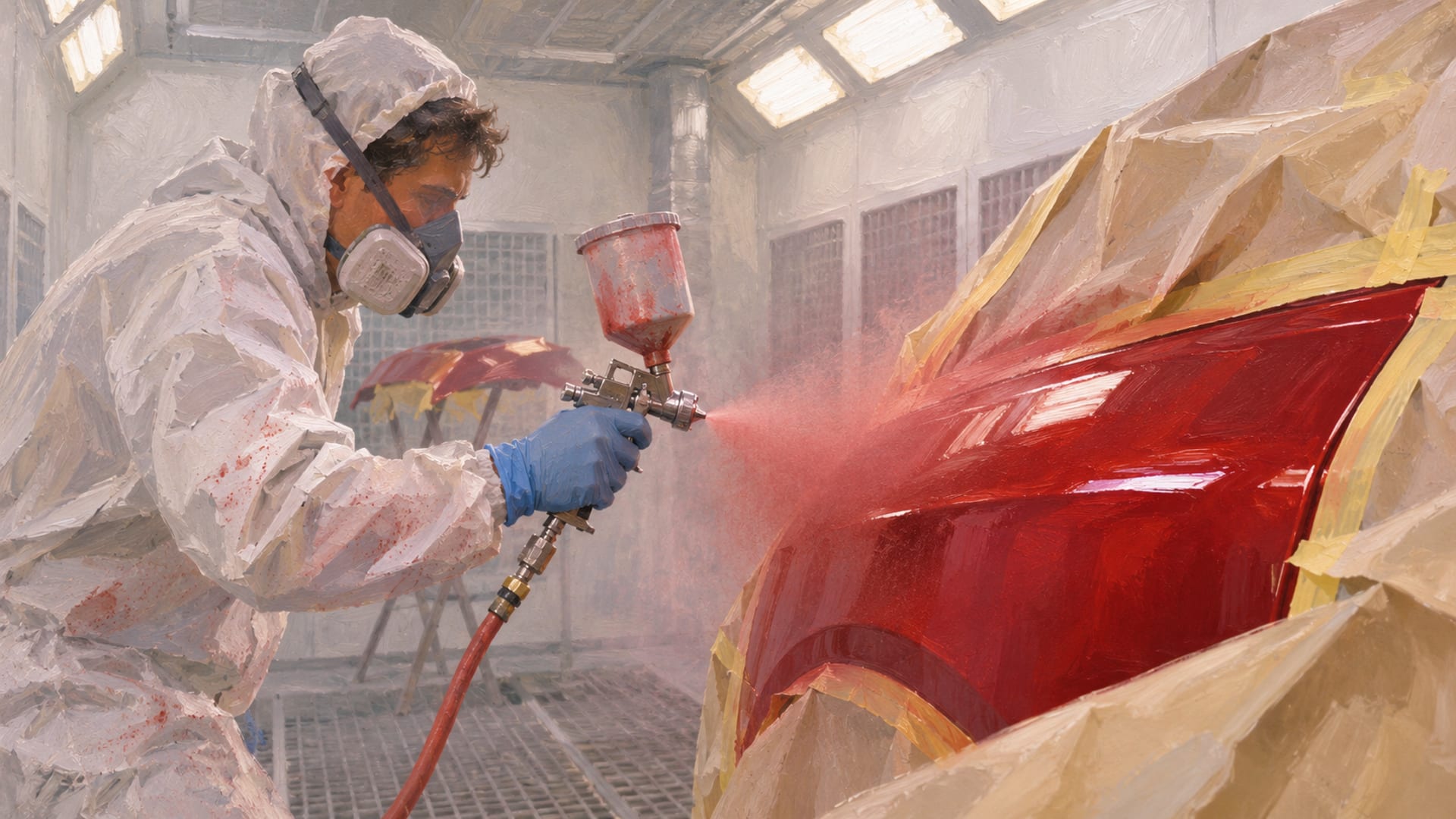
GTA 6 car customization happens at mod shops on PS5 and Xbox Series X|S, and the launch-day shop menu has six categories: Pro Builds, Cosmetics, Bodywork, Performance, Wheels and Interior. Paint starts in Cosmetics, wheel and rim choices sit in Wheels, and parts that move the performance bars sit in Performance.
Each part shows a price on its preview screen, and prices are set per part and per vehicle, so read the number before you confirm. One launch-day example is nitrous at $4,500 on Jason's '70 Vapid Ganado.
Ownership comes before money. A stolen car is not automatically a personal vehicle, so scan it with the WAiNK app, check its tracker status and registration cost, and register it at Moses's garage in Port Gellhorn once the story opens that service. Do that before you pay for an expensive build.
Key Takeaways
Six menus
The launch-day mod shop menu has Pro Builds, Cosmetics, Bodywork, Performance, Wheels and Interior, and the game shows them with those exact names.
Paint is in Cosmetics
Respray, customizable liveries, curated liveries and plates all sit in the Cosmetics menu.
Read the preview price
Prices are set per part and per vehicle, so the number on the preview screen is the one that counts.
Scan before you spend
A stolen car is not automatically yours, so check its WAiNK tracker status and registration cost before you pay for parts.
Where to start your first customization
Mod shops are where you drive a car in, pick a menu and preview a change before paying for it. GamesRadar+ explains how to find the shops in its guide to respraying cars in GTA 6, and the map's Vehicles section has a Mod Shops listing for the ones you have discovered. For a map of where the shops sit, see the GTA 6 mod shop locations guide, and the Leonida map page covers the world you are driving around in.
A typical first visit is Coastal Auto Care. According to the GTA6 Field Guide, the game presents repair and customization options for Jason's vehicle there. That makes it a natural place to get a feel for the menus before you bring in a car that is not yours yet.
Repair comes first on the workbench. Fix the car before you start picking expensive parts. If you are heading to a specialist shop, confirm the vehicle is eligible for it, since PC Gamer's coverage of the Ultimate Edition shops describes them by the kind of work they do.
The six mod shop menus
The menu names below come from launch-day Xbox Series X|S footage indexed by Kingy and described by GTA6 Motors. That is what appeared in game on launch week, not a Rockstar specification, so the live menu in your shop is the final word.
The six launch-day mod shop menus
| Menu | What it changes |
|---|---|
| Pro Builds | Prebuilt packages such as Full Kits and Wheel Kits |
| Cosmetics | Respray, customizable liveries, curated liveries and plates |
| Bodywork | Hood, spoiler, front bumper, rear bumper, towing equipment, mirrors and windows |
| Performance | Parts that alter the performance bars, including engine-related upgrades and nitrous |
| Wheels | Wheel and rim choices, with specialist shops offering additional styles |
| Interior | Interior refurbishment and interior styling options |
Pro Builds works differently from the other five. Instead of one part at a time, it offers bundles, so it is where a full kit or a set of wheels comes as a single choice. The Ganado Retro Build from the Ultimate Edition is reached through Pro Builds and then Full Kits at Coastal Auto Care, according to PC Gamer.
Paint, liveries and plates in Cosmetics
Paint starts in Cosmetics. That menu holds the respray, customizable liveries, curated liveries and plates, so a color change, a themed design and a new plate all happen in the same place. Respray is the plain paint change; a livery is a patterned or themed design laid over the car.
Customizable and curated liveries are listed separately, so look at both on the preview screen. Preview them on the car you actually plan to keep, since the preview is the quickest way to see how a design sits on that body.
Paint also plays a part in the ownership steps. In Alcast's walkthrough of registering cars in GTA 6, respraying a candidate car sits between scanning it with WAiNK and taking it to Moses's garage. If a car is going to be a keeper, the respray can wait until you know it is eligible for registration.
Bodywork, wheels and interior
Bodywork covers the pieces you can see from the street: hood, spoiler, front bumper, rear bumper, towing equipment, mirrors and windows. Each of those is a separate choice, so a build can mix a new spoiler with stock bumpers, and the preview screen shows what the change does to the car before you pay.
Wheels is its own menu, with wheel and rim choices and extra styles at specialist shops. Pro Builds also carries Wheel Kits, which is the quick route when you want a matching set. For the details of rims and styles, the wheels and rims guide goes further than this overview does.
Interior holds interior refurbishment and interior styling options. PC Gamer reports that Rideout Customs, one of the two Ultimate Edition shops, specializes in interiors, rims and donk styling, so that shop is the one to look at for interior and rim work.
Lighting depends on the vehicle
Underglow and headlight changes are not a top-level category in the launch-day menu. Treat them as vehicle-specific, and open the menu for the car in front of you to see whether lighting options appear before you plan a build around them.
Performance parts and nitrous
Performance is where a build stops being only about looks. Parts here alter the vehicle's performance bars, and the launch-day examples include engine-related upgrades and nitrous. The bars are the readout that tells you how a part changes the car, so watch them move on the preview screen as you try each option.
Nitrous is the clearest priced example from launch day. GTA6 Motors shows it at $4,500 for Jason's '70 Vapid Ganado. That figure belongs to that car and that menu, and another vehicle can show a different price for the same kind of part. Treat it as a reference point for how expensive a performance part can get, not as a price list.
A sensible order for a first build is to decide what the car is for. A car for cruising Leonida needs a different mix of parts than one you want to push hard, and the performance bars make that tradeoff visible before you spend.
What parts cost
Prices are set per part and per vehicle. The same spoiler, wheel set or engine part can show a different number on a different car, and the number can change after a patch. The only price that counts is the one on the preview screen in your shop, so make that your last look before confirming.
Because the numbers move, a short habit saves money. Preview the part, read the price, and check it against your cash before you press confirm. If a Pro Builds package looks tempting, compare its price against the individual parts it replaces, since a bundle can cost more or less than the pieces you actually wanted.
The edition you own also changes which shops and builds are on offer. That is covered below.
Stolen cars, trackers and garage space
A stolen car is not automatically a personal vehicle. According to Alcast, the early-story sequence is to scan a candidate with the WAiNK app, check its tracker status, respray it, then take an eligible vehicle to Moses's garage in Port Gellhorn and choose Register. GTAFinder's garage guide says registration opens during Chapter 2, that a registration fee can depend on the vehicle, and that a garage space is required.
Tracker status decides whether a stolen car can be registered right away. Launch-day guides describe a Standard Tracker as a status that affects registration eligibility and an Advanced Tracker as a stronger one with extra restrictions. The point at which tracker-bearing cars become registerable can vary, so scan the car with WAiNK and follow the registration option your current story stage shows.
Registration matters because of what happens to cars you do not keep. According to Vice City Playbook, registered personal vehicles can be stored and recovered through the game's vehicle services, while unregistered stolen vehicles may disappear if abandoned or destroyed. Pay for a long build on a car that vanishes and the money goes with it.
Early in the story, Jason's own personal vehicle is available before stolen-car registration opens, as Alcast notes. If you want to start customizing on day one, that is the car to bring to the shop. Once you do register a car, store it in an available garage space. If you want ideas for what to build next, the garage is where creator builds live.
First-build sequence
Put the ownership steps first and the spending last. This sequence follows what players have shown in launch-day footage and guides, and the order is the point: it keeps a pricey part from landing on a car you cannot keep.
First car customization, step by step
Scan the car
Use the WAiNK app on the vehicle you want to build on.
Check tracker and fee
Confirm tracker status and the registration cost shown for that car.
Register when it opens
Take an eligible car to Moses's garage in Port Gellhorn and choose Register once the story opens the service.
Repair the car
Fix damage at a mod shop before you pick expensive parts.
Preview each option
Choose Pro Builds, Cosmetics, Bodywork, Performance, Wheels or Interior and read the price on the preview screen.
Confirm and store
Confirm only what you want, then park the finished car in an available garage space.
Specialist shops and the Ultimate Edition
Rockstar's Ultimate Edition page lists the Ganado Retro Build, Rideout Customs Mod Shop and One-Eyed Willie's Mod Shop among the edition's contents. Rockstar's platforms and editions support page adds that Standard Edition owners can buy the Ultimate Edition Upgrade separately through the PlayStation or Microsoft stores.
PC Gamer reports that Rockstar describes the in-game One-Eyed Willie's as specializing in off-road modifications and hand-painted customization, while Rideout Customs focuses on interiors, rims and donk styling. In that coverage, Ultimate Edition content is threaded through the story chapters, with the two specialist shops listed in the map's Vehicles, then Mod Shops section. For more on that shop and the edition, see the One-Eyed Willie's mod shop guide and the Ultimate Edition guide.
This site shares a name with that in-game shop, but it is an unofficial fan site and has no connection to Rockstar, Take-Two or the game's shop.
Single-player, GTA Online and PC
Rockstar described GTA 6 at launch as a single-player experience for PS5 and Xbox Series X|S, in its pre-order announcement. Car customization here is story-mode content, and Rockstar confirms on its launch page that the game launched on November 19, 2026, for those two platforms.
PC Gamer reported during launch week that Rockstar had not announced GTA 6 Online, in its look at GTA 6 Online talk. Online garages, shared vehicle ownership and online customization are not features to count on, so treat everything here as single-player until Rockstar says otherwise.
On PC, Rockstar's platform page lists only PS5 and Xbox Series X|S. The PC status explainer and the PC countdown keep the current picture, and the mod rules cover what is safe to do while you wait.
Quick answers
Where is paint in the mod shop menu? Paint starts in Cosmetics, which holds the respray, customizable liveries, curated liveries and plates.
Can I change wheels and interior parts? Yes. Wheels and Interior are their own menus, and specialist shops offer additional wheel styles.
Does nitrous change the car? Performance parts alter the performance bars, and nitrous is a launch-day Performance example, shown at $4,500 on Jason's '70 Vapid Ganado.
Can I customize a stolen car? You can take it to a shop, but a stolen car is not automatically yours to keep. Scan it with WAiNK, check the tracker and registration cost, and register it once Moses's garage opens that service.
Is GTA 6 customization available online? Rockstar described GTA 6 at launch as single-player, so treat car customization as story-mode content. For character looks rather than cars, the Sara's Unisex Salon guide is the place to start.
Your next step
Pick one car, scan it, and walk the menus once without buying anything, just reading the preview prices. When you finish a build you like, submit a public link to it so it can be reviewed for the site.
Glossary
Tap a term to see what it means.
Mod shop. A location where you repair and customize vehicles.
Pro Builds. The mod shop menu of prebuilt packages such as Full Kits and Wheel Kits.
Respray. A paint change applied to the vehicle, found in Cosmetics.
Livery. A patterned or themed vehicle design, either customizable or curated.
WAiNK. The phone app used to scan a vehicle and read its tracker status and related information.
Personal vehicle. A vehicle registered to the player and stored for continued use.
Standard Tracker. A vehicle security status that, in launch-day guides, affects registration eligibility.
Specialist shop. A mod shop with vehicle-type-specific parts or styles.
Related articles
Radio and music in GTA 6: changing stations and custom tracks
Radio and music in GTA 6: hold Left on the D-pad, pick a station with L1/R1 or LB/RB, and release Left. Here is how to turn it off and listen on foot.
How to switch between Jason and Lucia in GTA 6
How to switch between Jason and Lucia in GTA 6: hold D-pad Right, then press R1 on PS5 or RB on Xbox after Coffee Break. Why a switch may be greyed out.
Customizing motorcycles and boats in GTA 6: shops and options
Which GTA 6 shops work on bikes and boats, which edition includes the Dinka Enduro and Shitzu Squalo, and where boat upgrades stand at launch.