Radio and music in GTA 6: changing stations and custom tracks
Radio and music in GTA 6: hold Left on the D-pad, pick a station with L1/R1 or LB/RB, and release Left. Here is how to turn it off and listen on foot.
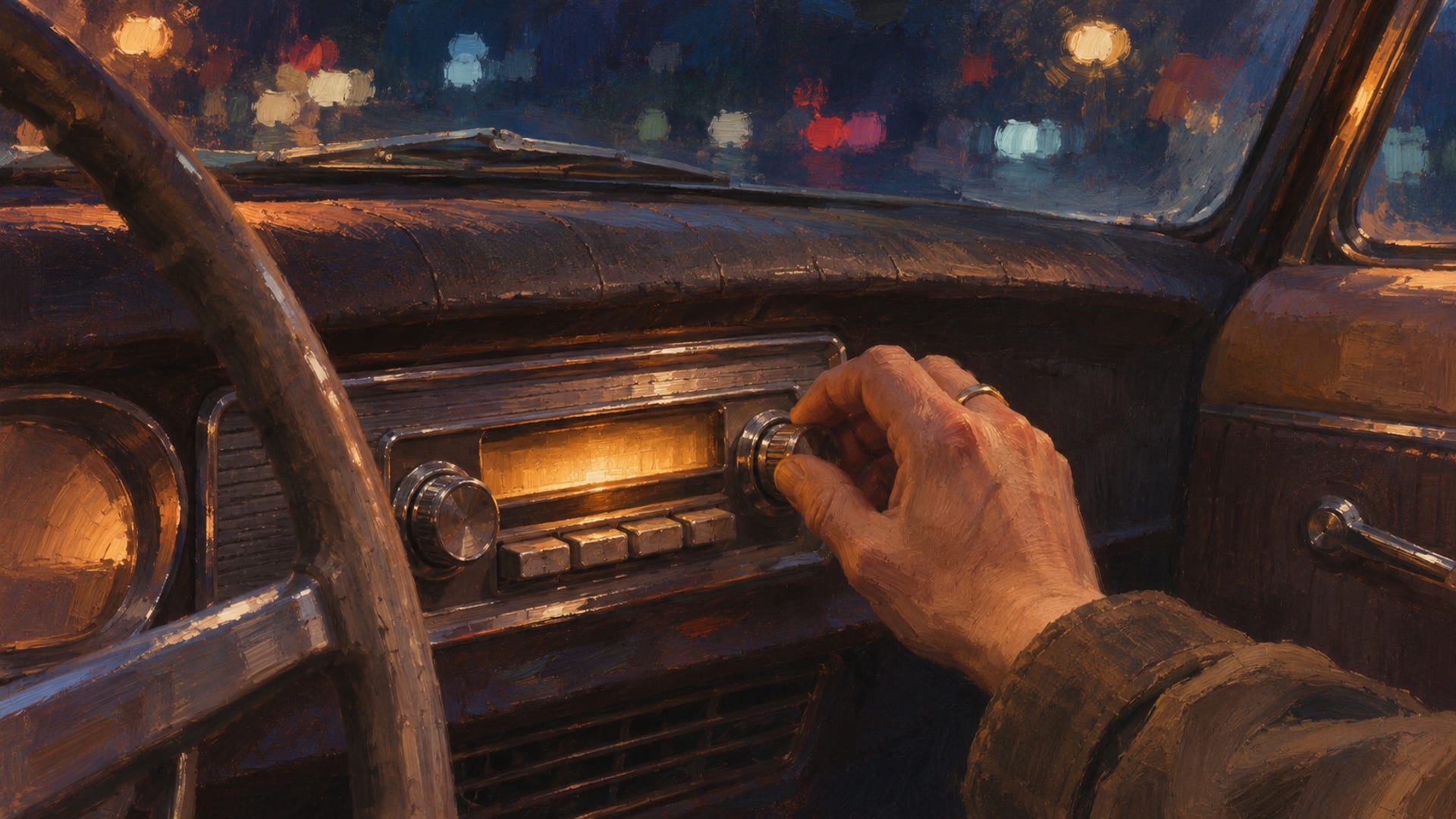
To change the radio in GTA 6, hold Left on the D-pad. Move between stations with L1/R1 on PS5 or LB/RB on Xbox, then release Left to play the one you picked. The right stick works for moving between stations too.
To silence the radio, highlight the off option in that same menu and press X on PS5 or A on Xbox. The controls work in cars, bikes, boats and aircraft, and in some world radios.
On foot, radio and podcasts play through headphones or earbuds. Rockstar describes curated stations and on-demand podcasts for the game, and it has not announced a way to import your own files or connect Spotify. The steps below match the PS5 and Xbox launch build; for PC, follow the PC countdown page.
Key Takeaways
Change station
Hold Left on the D-pad, move with L1/R1 on PS5 or LB/RB on Xbox (or the right stick), then release Left.
Turn it off
Highlight the off option in the radio menu and press X on PS5 or A on Xbox.
Listen on foot
Buy and equip headphones or earbuds, and each of Jason and Lucia needs their own pair according to launch guides.
Your own music
Rockstar describes curated stations and podcasts, so check Pause Menu > Settings > Audio for what the game offers on your version.
How to change the radio station on PS5 and Xbox
The radio controls live on the D-pad, so you never have to open the pause menu to switch stations. Hold Left on the D-pad and the radio menu opens over the screen. While you hold it, move between stations with L1 and R1 on PS5 or LB and RB on Xbox Series X|S. You can also push the right stick to step through the list. When the station you want is highlighted, let go of Left and it starts playing.
Think of it as a hold, pick and release motion rather than a press. If you tap Left and let go right away, you have not given yourself time to choose anything. GamesRadar+ reported these controls on November 18, 2026, and launch guides from other outlets describe the same hold-Left routine.
The same radio menu also handles podcasts. Push the right stick Down to open the podcasts, and change the episode with Square on PS5 or X on Xbox. That means one menu covers stations, podcasts and the off option, which keeps your thumbs where they already are while you drive.
Change the station in five steps
Get in range
Sit in a car, bike, boat or aircraft, or stand near a world radio.
Hold Left
Hold Left on the D-pad until the radio menu opens.
Pick a station
Move with L1/R1 on PS5 or LB/RB on Xbox, or use the right stick.
Release Left
Let go of Left and the highlighted station plays.
Switch off if you want quiet
Highlight the off option and press X on PS5 or A on Xbox.
Controls side by side
The button names differ by platform, but the layout is the same. This table puts both consoles next to each other. The controls come from launch-build guides on PS5 and Xbox, so check your prompts in game after an update.
GTA 6 radio controls by platform
| Action | PS5 | Xbox Series X|S |
|---|---|---|
| Open radio controls | Hold Left on D-pad | Hold Left on D-pad |
| Move between stations | L1/R1 or right stick | LB/RB or right stick |
| Confirm station | Release Left | Release Left |
| Turn radio off | X | A |
| Open podcasts | Push right stick Down | Push right stick Down |
| Change podcast episode | Square | X |
How to turn the radio off
If you want silence, open the radio menu the same way, by holding Left on the D-pad. Move to the off option, then press X on PS5 or A on Xbox. The music stops and the car goes back to engine, tires and whatever else is happening around you.
That is handy for clips and screenshots of a build. A quiet car lets the exhaust and the environment carry the scene, and it keeps music out of a capture before you decide how to handle it. If you record for YouTube, the clip recording guide covers the capture side.
There is a second way to keep the radio quiet. A Vehicle Radio setting, reported by a launch guide in the Audio settings, controls whether the radio starts when you get into a vehicle. If you would rather hop in and hear nothing until you ask for it, that is the setting to look for. It sits in Pause Menu > Settings > Audio.
Listening to radio and podcasts on foot
Walking around without a car does not have to mean silence. Rockstar says radio and podcasts can play on foot through headphones or earbuds connected to the character's smartphone. So, the question is how to get a pair and wear them.
Launch guides point to the Electronics shops. Open Index > Style > Electronics to find shops that sell headphones or earbuds. After you buy a pair, equip it through the loadout: open the Items tab and use the headgear slot. Once they are on, the same hold-Left radio menu should work while you walk.
Two details are worth knowing before you spend money. First, Jason and Lucia each need their own purchase, according to launch guides, so a pair bought on one character does not carry over to the other. If you play both, see the guide to switching to Lucia for how the characters differ. Second, prices and shop locations can change with updates, so treat the price you see in the live menu as the one that counts.
Headphones also sit in the character's look. If you build outfits, they are part of the headgear choice, and the wardrobe page is the place to see character looks. If a shop or item will not open for you, progress may affect access to some equipment or content, and the guide to locked customization explains how those limits show up.
GTA 6 stations and genres at launch
How many stations does GTA 6 have? The answer depends on whose count you read. Rockstar's October 8 newswire article on the in-game radio stations previewed six stations, and Rockstar's music hub lists seven station pages: CircoLoco Records Radio, Cocoteo FM, Back Country Radio, Afrobank FM, The Chamber 106.6, Flash FM and Dirty South Classics.
VGC's launch guide to radio stations and genres lists 22 stations, running from African music to classical. That is a launch count from one outlet, and station names, genres and availability can change through updates. Treat the table below as a snapshot of VGC's list rather than a permanent roster.
Stations and genres in VGC's launch list (22)
| Station | Genre |
|---|---|
| Afrobank FM | African music |
| Back Country Radio | Country |
| The Chamber 106.6 | Metal |
| CircoLoco Records Radio | Electronic |
| Cocoteo FM | Latin |
| Dirty South Classics | Rap and hip-hop |
| Emotion 98.3 | Power ballads |
| Flash FM | Pop |
| Gloriana Blues Radio | Blues |
| Honey FM | R&B |
| Kaleidoscope FM | Synth-pop |
| Leonida Jazz Radio | Jazz |
| Radio La Ola | Salsa |
| Radio On-U | Reggae |
| Stockyard FM | Party and electronica |
| Symphony FM | Classical |
| The Wipe | Discussion |
| VCRR | Trap |
| Vice City FM | 1980s music |
| V-Rock | Rock |
| WKTT | Commentary |
| Worldwide FM | House |
A few of those entries are talk rather than music. The Wipe is listed as discussion and WKTT as commentary, so if you land on one and hear people talking, that is what the list describes. The radio menu in your own game is the place to confirm the current names and what is available to you.
Match a station to the build you are driving. A low rider with fresh paint suits something different from an off-road truck covered in mud, and the genre list gives you a quick way to pick. For ideas on the cars themselves, the garage page collects vehicle builds and driving showcases.
Audio settings: Media, Music and Vehicle Radio
Rockstar places audio options under Pause Menu > Settings > Audio, and its support page on changing GTA 6 settings lists Audio as one of the settings categories. A PS5 launch guide reports the individual sliders below, so confirm them in your own Audio menu. HowToVideoGame's guide to turning down the radio volume reports these options.
The Media slider controls in-world media such as TV and radio. If the radio is too loud next to dialogue and engine noise, Media is the slider to lower. The Music slider controls music separately from that in-world media. The Vehicle Radio setting controls whether the radio starts when you enter a vehicle.
The same guide reports a Mute Licensed Music option. It removes licensed music, which suits streaming or recording, while retaining related captions. It also lists separate volume categories for overall volume, sound effects, interface and dialogue.
Labels and available settings can change with patches, so open the Audio menu in your own copy and read what is there. If a slider has a different name on your version, look for the one that mentions media or radio. A dedicated editor for favorite stations has not been established for the launch build, so the radio menu is the way to move between stations for now.
Can you play your own music in GTA 6?
Many players ask about Self Radio, MP3 files and Spotify. Here is where things stand. Rockstar describes curated stations, on-demand podcasts, licensed music and a 34-track album. Rockstar has not announced importing MP3 or WAV files, a Spotify connection, custom playlists or custom stations. Rockstar's Grand Theft Auto VI page lists PS5 and Xbox Series X|S as the launch platforms.
Launch guides cover station selection, podcasts, headphones and the off option. Custom-track import is not part of those steps. Players are asking for Self Radio and Spotify support in community discussions, and those discussions are requests, not a feature in the game. A pre-launch piece from iTechGuides on adding your own music to GTA 6 radio stations draws the same line between curated music and the features players hope for.
Self Radio deserves a note of its own. In earlier GTA games on PC, it let players add their own audio files. Check Rockstar's update notes or support articles before you set up your own music in GTA 6.
So, what can you do today? Check Pause Menu > Settings > Audio on your own copy, since the menu is the place where any music option would appear. Use the built-in stations and podcasts for listening, and pick the off option when you want quiet. Anything that involves modded files belongs on the mod rules page, which covers single-player and approved platforms only.
What may change with updates
The launch build is a starting point, and several details can move. Button prompts and the layout of the radio menu could change. Station counts, names, genres and unlocks may shift, and so can podcast availability and playback controls. Shop locations, prices and the way headphones behave after you equip them may also change.
The same goes for the audio options. Media, Music, Vehicle Radio and Mute Licensed Music are all reported from the launch build, and a patch can rename or move them. Custom-track support is on that list too: if Rockstar adds anything, its own announcement or support article is the thing to wait for.
For PC players, Rockstar has not published a PC release date or PC requirements. The PC countdown page is where PC updates land. Edition choice does not change the documented radio controls, so the same steps apply whichever version you bought on console.
Radio and music questions players ask
Four questions come up again and again, and each has a short answer.
How do you change the radio station in GTA 6?
Hold Left on the D-pad, move with L1/R1 on PS5 or LB/RB on Xbox, and release Left. The right stick also steps between stations. The first section above has the full walk-through.
Can you listen to the radio while walking?
Yes, with headphones or earbuds. Buy them in an Electronics shop under Index > Style > Electronics and equip them through the Items tab of the loadout. Each of Jason and Lucia needs their own pair.
Does GTA 6 have Self Radio or Spotify support?
Rockstar describes curated stations and on-demand podcasts. Importing MP3 files, connecting Spotify and Self Radio are not part of that description, so check the Audio settings in your own game for what your version offers.
What does the Media slider control?
A launch guide on PS5 reports that Media controls in-world media such as TV and radio. Music controls music separately, and Vehicle Radio decides whether the radio starts when you enter a vehicle.
Next step
Now that the soundtrack is sorted, put it to work. Pick a station, line up the car you built and record the drive. If you have a build or a clip you want to share, the submit page explains how to send a public link, and the photo mode guide helps with the stills.
Glossary
Tap a term to see what it means.
Radio wheel. The control interface you open by holding Left on the D-pad to choose a station.
Media. The audio category reported in the launch build that covers in-world radio and TV.
Vehicle Radio. The reported setting that controls whether the radio starts when you enter a vehicle.
Licensed music. Commercial music included in the game's curated soundtrack.
Mute Licensed Music. A reported option that removes licensed music for streaming or recording while retaining related captions.
Self Radio. A GTA PC feature from earlier releases tied to user-provided music, not described for GTA 6.
On-demand podcast. A selectable podcast program available through the radio interface.
Related articles
How to switch between Jason and Lucia in GTA 6
How to switch between Jason and Lucia in GTA 6: hold D-pad Right, then press R1 on PS5 or RB on Xbox after Coffee Break. Why a switch may be greyed out.
Customizing motorcycles and boats in GTA 6: shops and options
Which GTA 6 shops work on bikes and boats, which edition includes the Dinka Enduro and Shitzu Squalo, and where boat upgrades stand at launch.
How car customization works in GTA 6: paint, wheels, performance
Start your first GTA 6 car customization at the mod shop. See the six menus, paint in Cosmetics, wheels, performance parts, and the tracker check.