Taking parked, abandoned and street cars in GTA 6
Learn how taking parked, abandoned and street cars works in GTA 6, from the scan to alarms, trackers, police heat and registering a car you keep.
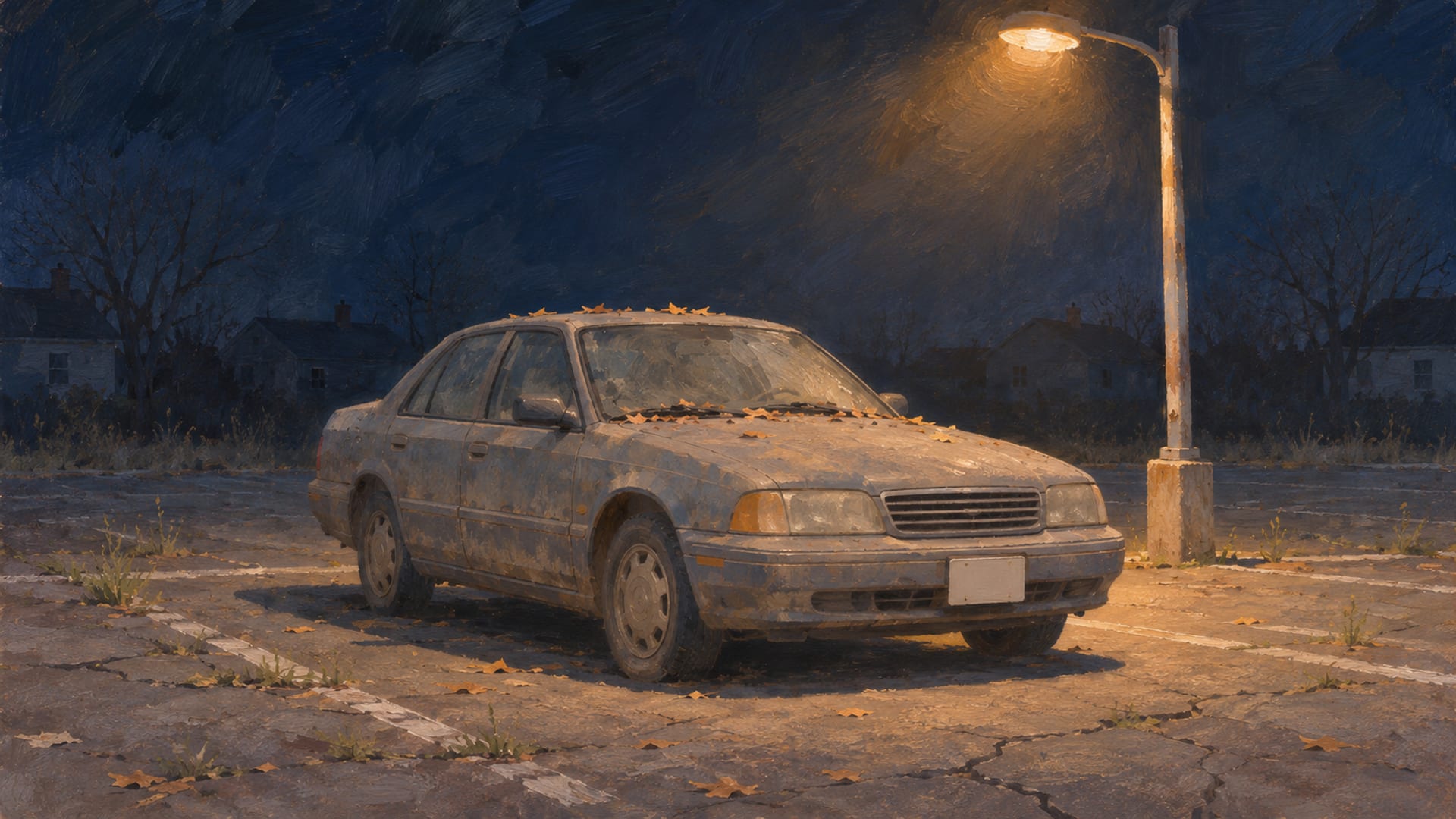
In GTA 6 you can take a car from traffic by pulling the driver out. A parked car takes more steps: you scan it with the WAiNK phone app, get inside and start the engine. Parked cars carry security layers: locks, alarms, keyless systems and trackers. Which tools you have depends on how far you are into the story.
The usual sequence is scan, enter, start, get away, then register the car when that service becomes available. The scan tells you what you are dealing with before you commit to a break-in, so a quiet approach is often possible.
A car you take is yours to drive, not yours to keep. It stays a temporary vehicle until you register it as a personal vehicle for a fee, which comes later in the story. That step is what lets you store it in a garage and customize it.
Everything here applies to the PS5 and Xbox Series X|S versions. Rockstar and Take-Two list the game for those two consoles, launching November 19, 2026. Controls, police behavior and garage limits can change with patches.
Key Takeaways
Scan first
Use WAiNK on a parked car to read its condition, security, alarm and tracker status before you touch it.
Match the method to the car
Try the handle, break a window only if the car is locked, hotwire the engine, and use a key cloner on keyless cars.
Taken is not owned
A taken car is temporary until you register it as a personal vehicle once the story makes that service available.
Plan before you customize
A car with a standard tracker may need registration before it can be modified, so decide what you keep before you spend.
Can you take a street or abandoned car?
Yes, and there are two different situations. A car with a driver in it can be taken by pulling that driver out. A parked car, including one that looks abandoned at the curb, goes through the scan and entry steps instead. Both work on the PS5 and Xbox Series X|S release.
You cannot just open any parked car. GamesRadar+ reported a Rockstar explanation from preview material that some parked cars need tools you get through story progress. Launch guides also tie tools, registration and extra garages to the story, so your options widen as chapters pass.
So, if a car will not open the way you expect, check what the scan says and where you are in the story before you try again. Some cars simply need a tool you do not have yet.
How to take a parked car
Start with the WAiNK app on your phone. Vice Manual's PS5 launch-build walkthrough describes the scan as the first move: it shows the car's condition and its security, including whether it has an alarm and whether it carries a tracker. Controls were reported through the in-game Help menu on PS5, so check the prompts on your own console.
With the scan done, try the handle. A car that is unlocked opens with no noise and no tools. If it is locked, you have a choice. Breaking the window is quick, but it is loud, and in launch-build reporting it can set off the alarm. A slim jim is the quieter entry tool for some locked parked cars, and the GamesRadar+ report above mentions both the slim jim and window-breaking approaches.
Once you are inside, a locked car usually needs a hotwire interaction before the engine runs. Keyless cars work differently. They cannot be started through ordinary hotwiring and need a key cloner.
The steps in order
Followed in order, a parked-car take runs like this.
Taking a parked car, step by step
Scan the car
Open WAiNK and read its condition, security, alarm and tracker status.
Check the security
Note whether it is locked, alarmed, keyless or tracked.
Try the handle
An unlocked car opens quietly and needs no tool.
Break the window only if needed
Use it on a locked car when you accept the noise and a possible alarm.
Hotwire or clone
Hotwire the engine, or use the key cloner on a keyless car.
Get away
Deal with any police response and the car's vehicle heat.
Register when you can
Register, sell or temporarily store the car once the story makes those services available.
How occupied cars work
Taking a car in traffic is simpler than the parked-car routine. You pull the driver out and drive away. There is no scan step for a car that is already moving with someone at the wheel, and the slim jim is meant for parked cars, not for a driver who is sitting inside.
Drivers do not always accept it quietly. PC Gamer's launch guide covers carjacking and driver resistance, and the launch-build reporting says some drivers may fight back or be armed. Pull a driver out of a quick car in a busy street and you should expect witnesses and police attention to follow.
That is the trade between the two methods. A parked car costs you time and a bit of planning, while an occupied one costs you speed and exposure. Pick the one that suits what you are doing next, and keep the escape route in mind before you grab anything.
Alarms, trackers and police heat
The scan is where you find out about the security layers, and each one changes what you do. A locked car can be opened by breaking the window, but that can raise an alarm. A keyless car needs the key cloner. Trackers are the third layer, and there are two kinds.
A standard tracker restricts modification until the car is registered. GTA Base's launch guide describes that restriction. An advanced tracker is more demanding: in the same guide's reporting, it can report the car's location to police, and in the launch-build reporting it keeps doing so unless you hold a high speed.
Police response depends on several things at once: the taking itself, witnesses, alarms, trackers, and whether officers recognize the vehicle, your appearance or your clothing. That is why your outfit can matter during a chase. The wardrobe is where you change what you are wearing, and the police cars guide covers the vehicles that come after you.
The Chapter 1 mission
In the Chapter 1 mission "Unwanted Attention," taking the target car gives you a two-star Wanted level straight away. GamesRadar+'s Chapter 1 walkthrough describes that, along with police awareness of the vehicle, your appearance and your outfit. It is mission-specific, so treat it as that mission's rule rather than a rule for the cars you take later.
Shaking the heat with a respray
A respray at Pay 'n' Spray can lower vehicle recognition once police lose direct contact with you. Pay 'n' Spray also repairs and resprays cars, and the same walkthrough describes it as part of cooling off. Registration and selling come later, once the story opens those options.
A new paint job is also a customization choice, so it is worth knowing the paint jobs on offer and the wider car customization options before you decide how you want the car to look.
Can you keep the car?
A taken car gives you temporary use. In Vice Manual's PS5 launch-build reporting, an unowned car may show up only as the last vehicle you drove, it can disappear if you lose or destroy it, and it is not a reliable place to store anything important. If you have gear in the trunk of a car you took, do not count on it staying there.
To keep a car, register it. Once the story reaches the point where registration is available at Pay 'n' Spray, an eligible car can be registered as a personal vehicle for a fee. PowerPyx's guide places registration in Chapter 2 and describes the tracker restriction, an initial garage slot and later garages.
Eligibility is the part to check in your own game, because which cars can become personal vehicles can vary. Read the WAiNK details and the registration prompt before you spend money on modifications. Progression details may also differ after updates.
Storage, registration and customization
Once a car is registered, it behaves like the rest of your personal vehicles. It stays available through the Personal section of the map, and it can carry equipment, manage loadouts and let you change outfits. For the full picture of keeping and storing cars, the personal vehicles guide goes through the details.
Garages hold personal vehicles, subject to the slots you have. PC Gamer's guide reports that garages can also hold a taken car temporarily, but an unregistered car should not be treated as a permanent part of your collection.
Customization is where the order of operations pays off. A car with a standard tracker may need registration before it can be modified, so a build you plan around a taken car starts at the registration desk, not at the mod shop. Registration comes first, then the paint, wheels and parts. The garage is the place to plan that build.
The wheels and rims guide and the performance upgrades guide are useful once the car is yours.
Rare and standout street vehicles
Exploring Leonida can turn up unusual parked cars and standout vehicles. A standout vehicle carries distinctive parts that may be lost through modification, so scan it first and think before you change anything on it.
VicePulse lists rare-car reports by district and location, including a Maibatsu '97 Penumbra FF reported on Yesquet Island. Those are community-reported leads, not promised spawns. Timing, mission progress, weather, the state of the location and patches may all affect whether a car appears.
If a car is not where the report says, scan the area again and come back later in the story. The Leonida map is a good place to plan a drive, and the trailer cars guide and the vehicle classes guide cover cars by where they were shown and what class they belong to.
For a sense of how many vehicles the game has, see how many cars are in GTA 6. Aircraft are covered in the flying cars guide, and links to car images are collected in the car pictures guide.
Vehicle states at a glance
Each situation comes with its own options and limits, as shown in launch-build reporting and TGG's demonstration.
What you can do with each kind of car
| Vehicle state | What the player can do | Main risk or limit |
|---|---|---|
| Occupied street vehicle | Pull out the driver and drive away | Driver resistance, weapons and police attention |
| Parked, unlocked vehicle | Try the handle and enter | Witnesses or later recognition |
| Parked, locked vehicle | Break the window, then hotwire | Noise and possible alarm |
| Keyless vehicle | Use a key cloner | Cannot start through ordinary hotwiring |
| Vehicle with standard tracker | Take it to registration when available | Cannot be modified before registration |
| Vehicle with advanced tracker | Keep moving and manage the police response | Tracker can report its location |
| Registered personal vehicle | Store, customize and recover it | Registration fee and garage capacity |
Quick answers
Can you take parked cars in GTA 6? Yes. Scan the car with WAiNK, try the handle, break the window if it is locked, and hotwire it. Some entry tools depend on how far you are into the story.
How do you start a keyless car? Use a key cloner. A keyless car cannot be started through ordinary hotwiring, so if the scan shows keyless security, wait until you have the tool.
What does WAiNK show? The phone app shows a parked car's condition, security, alarm and tracker status. Read it before you commit to a method.
Do taken cars have trackers? Some do. A standard tracker can restrict modification until registration, and an advanced tracker can report the car to police. The scan shows which one you face.
What happens if a taken car is destroyed? An unowned car can disappear if you lose or destroy it. A registered personal vehicle can be recovered, subject to the fee and garage capacity.
Can you keep a taken car permanently? Yes, once registration is available and the car is eligible. Check the registration prompt in your own game.
Can you take an occupied high-end car? Occupied cars can be carjacked. Expect the driver to resist, possibly with a weapon, and expect police attention.
Videos that walk through the process
Two creator videos walk through it on screen. TGG's "GTA 6: Vehicles Work Differently Now | Exclusive Deep Dive" covers parked-car security, theft tools, trackers, customization, storage and recovery. It was posted in August 2026, before launch, so compare the menus with your own game.
supergashbell's "Stealing a car in GTA 6 has become a JOB!" shows WAiNK scanning, entry tools, key cloning, trackers, Pay 'n' Spray and garages.
Platforms and what can change
The details here come from the PS5 and Xbox Series X|S versions. Rockstar has not announced PC details; the PC countdown page tracks the status. If you plan to mod GTA 5 or prepare for PC later, the mod rules explain what is allowed.
Controls, police recognition, tracker behavior, registration access, garage capacity and the places where rare cars appear can all change with patches. Check the in-game Help menu and the current scan before you commit to a break-in.
If you build something good out of a registered car, send the link through the submit page so it can be reviewed, or browse the blog for the next vehicle guide.
Glossary
Tap a term to see what it means.
WAiNK. The phone app used to scan a vehicle's condition and security.
Slim jim. A quiet entry tool for some locked parked cars.
Key cloner. The tool needed to start a keyless car.
Standard tracker. A tracker that can restrict modification until the car is registered.
Advanced tracker. A tracker that can report a taken car's location to police.
Unowned vehicle. A taken car that is not registered as a personal vehicle.
Personal vehicle. A registered car available through your personal-vehicle system.
Pay 'n' Spray. The service used for repair, respray and, once available, registration.
Related articles
How to get your car out of the impound in GTA 6
Get your car out of the impound in GTA 6 by finding the marked police lot on the map's Personal index, or request delivery through Scooter Bros.
Where to find GTA 6 car pictures and screenshots
Find GTA 6 car pictures in Rockstar's galleries, then take your own screenshots with Photo Studio or the PS5 and Xbox capture tools. Credit what you share.
GTA 6 garages: locations, space and storage
Find GTA 6 garage locations, the slots reported at launch, story and edition unlocks, and how to store and register a car on PS5 or Xbox Series X|S.