How to use turbo and boost in GTA 6
Turbo is a passive Performance part, while Nitrous Boost needs a button. See where to buy it, how much it costs, and how to use it on PS5 and Xbox.
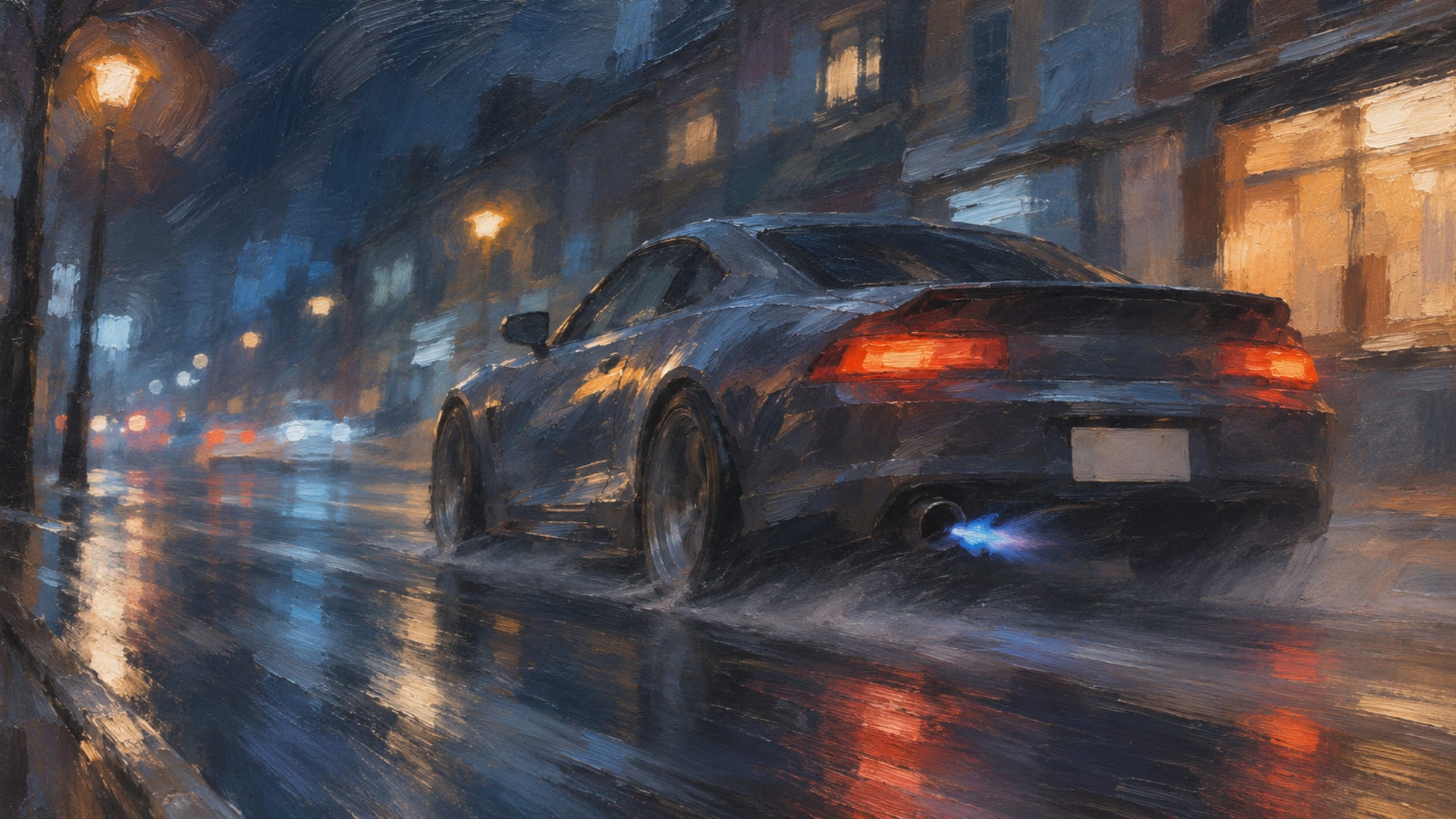
On PS5, hold R2 all the way down and press or hold L3 to fire nitrous in GTA 6. On Xbox Series X|S, hold RT fully and use the left-stick click (LS). The input only produces a burst of speed when the vehicle carries the Nitrous Boost part; without it, the same press sounds the horn.
Turbo is a different part. It is a passive Performance upgrade that changes speed or acceleration, and it has no button of its own. Nitrous Boost is the one you trigger yourself.
You buy Nitrous Boost at a mod shop under Performance, then Boost. Launch-week prices run from $4,500 to $5,000 depending on the menu, and the details are below. Everything here applies to the PS5 and Xbox Series X|S release of November 19, 2026, so check your own menu after any patch.
Key Takeaways
The button
On PS5 hold R2 and press or hold L3; on Xbox Series X|S hold RT and use the left-stick click.
The install path
Nitrous Boost is bought at a mod shop under Performance, then Boost, and the menu shows the price for your vehicle.
Turbo is separate
Turbo is a passive Performance part with no input, while Nitrous Boost is a burst you trigger while driving.
The honk
If the stick click only sounds the horn, the vehicle has no Nitrous Boost installed or the throttle is not fully down.
What is the difference between turbo and Nitrous Boost?
Turbo and Nitrous Boost sound alike, but they work in opposite ways. A turbo is a Performance upgrade that changes a vehicle's speed or acceleration all the time, and you never press anything to use it. You fit it, drive, and the car simply performs differently.
Nitrous Boost is a temporary burst that you trigger while driving. It runs off a gauge that drains while you use it and refills afterward. Players also call it nitro, nitrous or NOS, and "boost" is the name of the Performance menu category that holds it.
The third part players mix in is the engine upgrade. Like turbo, it is passive, and its price depends on the vehicle. The table sets the three side by side with the prices as reported in launch week.
Turbo, Nitrous Boost and engine upgrades
| Upgrade | What it does | How you use it | Reported price |
|---|---|---|---|
| Turbo | Passive Performance part that changes speed or acceleration | No input | About $5,400 in one launch-week menu report from CutsceneWire |
| Nitrous Boost | Temporary burst of acceleration from a draining gauge | Full throttle plus L3 (PS5) or LS (Xbox Series X|S) | $4,500 on Jason's '70 Ganado per AllThingsHow; $5,000 per GamesRadar+ and GTA6.house |
| Engine upgrade | Passive speed and acceleration improvement | No input | Varies by vehicle |
CutsceneWire's mod-shop roundup lists Turbo at roughly $5,400 and says prices change with the vehicle and with shop discounts. AllThingsHow's Jason's '70 Ganado menu shows the Performance list as Full Engine, Intakes, Transmission and Boost. Open the Performance list on your own vehicle and follow the part names it shows.
For how engines, intakes and transmissions stack together, read the GTA 6 performance upgrades guide. It covers the broader buying decisions.
How do you buy Nitrous Boost?
Creator guides from launch week give the same route: drive the car or bike into a mod shop, open Performance, open Boost, select Nitrous Boost and buy the part. The mod shop is the in-game customization location, and you can find the shops on the Leonida map. For what each shop handles, see the GTA 6 mod shop locations guide.
The order matters a little because a few things can lock the menu. Work through the steps in this order.
Install Nitrous Boost
Enter a mod shop
Drive the car or bike you want to fit into a mod shop.
Repair the vehicle
If the Performance menu is locked, repair the vehicle first. A damaged vehicle may need repairs before Performance upgrades appear.
Open Performance
Choose Performance from the shop menu.
Open Boost
Choose Boost from the Performance list.
Check the price
Select Nitrous Boost and read the price shown for your vehicle, shop and account.
Buy it
Confirm the purchase if the vehicle and account meet the shop's requirements.
Look for the gauge
A blue ring near the fuel and engine gauges shows that the system is installed.
Games & Apps Tutorials has a video called "GTA 6: How to Get Nitro", uploaded November 19, 2026. It shows the route to a mod shop, then Performance, Boost and Nitrous.
What does Nitrous Boost cost?
Launch-week reports give two figures for Nitrous Boost, and they come from different menus. AllThingsHow recorded Jason's '70 Ganado with Nitrous Boost at $4,500, a crossed-out $5,000 beside it, and a bank account requirement. That is one vehicle in one shop on one day, updated November 23, 2026.
GamesRadar+ and GTA6.house both report $5,000 as the price. Treat $5,000 as the commonly reported base price and $4,500 as the discounted price one menu displayed. The same vehicle and shop can show a different number for another player.
Turbo has its own figure. CutsceneWire's November 25, 2026 roundup lists it at about $5,400 and notes that prices vary by vehicle and discounts. The number on your own menu is the one that counts, so read it before you confirm.
Two conditions can sit between you and the purchase. AllThingsHow lists a bank account requirement on the Ganado menu, and creators report that a stolen vehicle carrying a tracker may need registration before it can be modified. If you are working from a stolen car, the guide to registering a car in GTA 6 covers that step.
Which buttons activate boost on PS5 and Xbox?
The control screen labels the input "Horn / Nitrous." GTA6DB recorded it as L3 on PS5 and a left-stick click on Xbox Series X|S, with the check dated November 19, 2026. Creator guides add the second half of the input: full throttle is held at the same time.
On PS5, that means R2 pressed all the way down, plus L3. On Xbox Series X|S, it means RT pressed all the way down, plus the left-stick click. L3 and LS are the same physical action, pressing straight down on the left analog stick.
By default, nitrous is a hold input, according to the Games & Apps Tutorials video on the setting, dated November 19, 2026. You can switch it to a press in Settings, then Gameplay, then Nitrous.
Use Nitrous Boost while driving
Pick a vehicle with the part
Get into a car or bike that carries Nitrous Boost.
Floor the throttle
Hold R2 on PS5 or RT on Xbox Series X|S all the way down.
Click the left stick
Press or hold L3 on PS5 or LS on Xbox Series X|S, depending on your Nitrous setting.
Watch the blue ring
The ring near the fuel and engine gauges drains while the burst runs.
Let it refill
Ease off and wait for the ring to fill before the next burst.
If you would rather tap than hold, the same channel has a video called "GTA 6: How to Press to Use Nitro (Instead of Holding)" that shows the Gameplay setting.
Why does the left stick only honk?
A honk instead of a burst catches players out. In a Reddit thread from November 24, 2026, players ask about the Xbox left stick and the horn. Creator guides name two causes.
The first is that the vehicle does not carry Nitrous Boost. The stick click is also the horn control, and it only turns into a boost when the part is installed. The second is that the throttle is not fully down. GamesRadar+ reports that pressing the stick without full throttle may only sound the horn.
So, run through a short check. Does the vehicle show the blue ring near the fuel and engine gauges? Is R2 or RT pressed all the way? Is your Nitrous setting on hold or press the way you expect? If all three look right, open the vehicle's Performance menu and look for Nitrous Boost under Boost.
How does the blue gauge refill?
GamesRadar+ and GTA6.house describe nitrous as a blue ring near the vehicle's fuel and engine-health indicators. The ring drains while a burst runs, and it refills on its own, with no separate purchase to top it up.
GTA6.house reports a refill time of 30 seconds or less. Treat that as a launch-week figure for the version the guide was written against, and watch the ring in your own game, because refill timing can change with a patch. The practical habit is simple: use a burst on a straight, let go, and wait for the ring before the next one.
Which vehicles support Nitrous Boost?
GTA6.house and GTA6 Land both report that nitrous works on cars and bikes. The dependable check is the vehicle in front of you: open its Performance menu and look for Boost, or look for the blue ring on the dash.
Chapter 2 gives one named example. GamesRadar+ and GTA6.house report that the Declasse Yosemite 1500 "Nutbusta" carries nitrous during a Chapter 2 vehicle sequence. That is a story vehicle that already has the system, which makes it a handy place to try the button before you spend money.
Some players describe testing nitrous on vehicles that already carry the upgrade, and community comments like that are leads rather than proof of general compatibility. Compatibility on individual bikes and boats can change with patches, so confirm the part on one vehicle before you plan a whole build around it.
Pick the base car for your own reasons. If top speed matters to you, the fastest cars in GTA 6 is a place to start, and you can add Nitrous Boost on top.
How do you handle more speed once you have it?
More acceleration changes how a car feels in corners and at the end of a straight. A burst on a short road arrives at the next bend sooner than you expect, and a passive turbo adds to that all the time.
Braking is the other half of that setup. The GTA 6 brake upgrades guide covers what you can buy for stopping power and what to expect from it. For build ideas to pair with your setup, the garage is built around vehicle customization.
Which parts of this can change with a patch?
Prices, menu names and control defaults can all move after launch. The launch-week figures here are dated, so treat them as the starting point and confirm them on your own menu. The items most likely to shift are the Nitrous Boost and Turbo prices, any shop discounts, the Performance menu layout, the hold or press label, and the refill timing.
Rockstar has not published a PC release date or a PC control layout, and GTA 6 is currently on PS5 and Xbox Series X|S. Everything about the buttons above is for those two consoles. For PC status, check the PC countdown, and for what is allowed in single-player mods, read the mod rules. FiveM is a multiplayer platform for GTA 5 and is not a GTA 6 console feature.
Frequently asked questions
Four quick answers on the buttons, the refill, bikes and turbo.
What is the nitro button in GTA 6?
It is L3 on PS5 and the left-stick click (LS) on Xbox Series X|S, held together with full throttle. The same input is the horn, so it only boosts when Nitrous Boost is installed.
Does nitrous refill by itself?
Launch-week guides report that the blue ring refills automatically with no extra purchase. GTA6.house puts the refill time at 30 seconds or less, and that figure can change with a patch.
Can bikes use nitrous?
GTA6.house and GTA6 Land report that nitrous works on cars and bikes. Check the Performance menu on the specific bike, since the part list can differ from one vehicle to the next.
Is turbo the same as nitrous?
They are separate parts. Turbo is a passive Performance part that changes speed or acceleration with no button. Nitrous Boost is the activated burst you trigger with full throttle and the stick click.
Where to see it in action
If you have a build with Nitrous Boost on it, submit a public link to it.
Glossary
Tap a term to see what it means.
Turbo. A passive Performance upgrade that changes vehicle speed or acceleration and has no button of its own.
Nitrous Boost. The in-game part, bought under Performance then Boost, that gives a temporary burst of acceleration.
Nitro / NOS. Player shorthand for nitrous, the activated boost system.
Boost. The Performance menu category that holds Nitrous Boost.
L3 / LS. Pressing straight down on the left analog stick, called L3 on PS5 and LS on Xbox Series X|S.
Full throttle. Holding R2 on PS5 or RT on Xbox all the way down.
Mod shop. The in-game location where you customize a car or bike.
Hold or press setting. The Settings, Gameplay, Nitrous option that sets whether nitrous fires while you hold the stick or on a single press.
Related articles

GTA 6 bonus vehicles: how to claim, keep or get rid of them
Claim GTA 6 bonus vehicles from Pause Menu, Store, then pre-order bonus. Ultimate Edition vehicles unlock by chapter. Plan garage space before you claim.
How to get chrome rims in GTA 6
Learn how to get chrome rims in GTA 6: open Wheels at a compatible Mod Shop, check Rim Colors and Rim Style, and compare Anodized and Pro Build routes.
GTA 6 paint colors and finishes: what the Respray menu offers
Check the GTA 6 paint colors your car can use: open Cosmetics, then Respray at a compatible Mod Shop, preview the swatch and read the price before you buy.