GTA 6 weapon customization at Ammu-Nation, step by step
GTA 6 weapon customization on PS5 and Xbox Series X|S: visit Ammu-Nation, open the Modify menu on an owned weapon, then choose attachments or wraps.
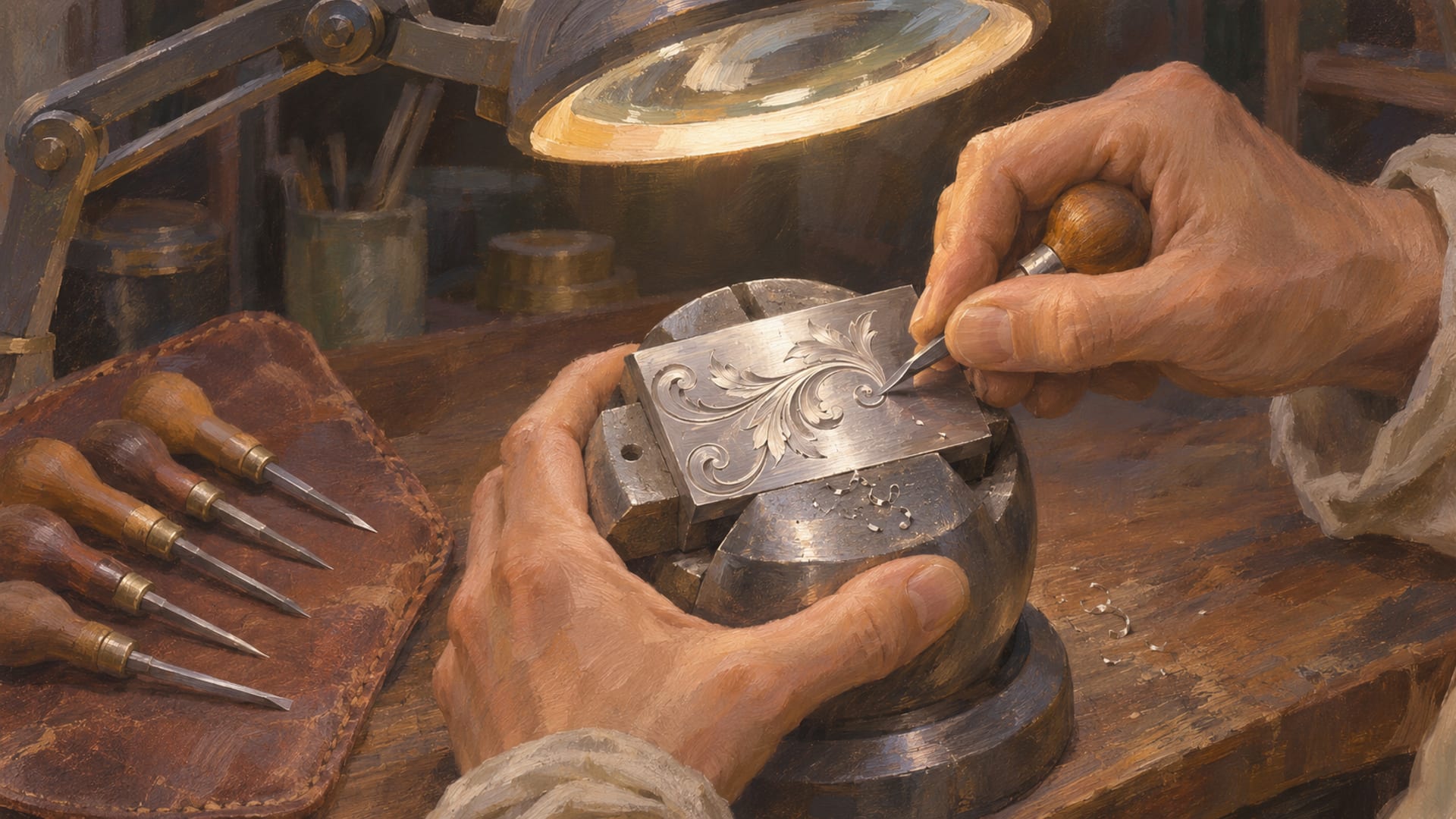
GTA 6 weapon customization happens at Ammu-Nation. Visit a store you have discovered, pick a weapon you own, open the Modify menu, and choose from the attachments and cosmetic options that weapon offers. The weapons locker in the same store handles equipping, storing and recovering weapons.
That path comes from launch-build reports on PS5 and Xbox Series X|S. GTA Playbook logged the Modify menu on PS5 version 1.002.001 on November 19, 2026, and GamesRadar described the locker on both consoles on November 18.
What you can change depends on how you got the weapon. A purchased weapon can be modified, a pickup from an enemy usually cannot, and a Unique Weapon Variant keeps a fixed design. Menus, stock and options can shift with patches, so read the prompts on your own screen.
Key Takeaways
Where to start
Customization happens at Ammu-Nation, where you select an owned weapon and open its Modify menu.
Two kinds of change
Attachments cover optics, magazines, grips, muzzle attachments and tactical accessories, while wraps and patterns change how the weapon looks.
Ownership matters
Purchased weapons can be modified, pickups from enemies are usually temporary, and Unique Weapon Variants keep a fixed design.
Check your own menu
Prices, stock, prompts and each option's description are shown in the live menu on your console and can change with updates.
How to customize a weapon at Ammu-Nation
The whole routine is short once you know the order. You go to the store, choose the weapon, open Modify, look through the options, confirm what you like, and use the locker afterward if the weapon needs to be equipped or stored. The steps below follow the path reported by GTA Playbook for PS5 and by GamesRadar for the locker.
Customize a weapon in six steps
Visit an Ammu-Nation
Go to a store you have already discovered on the map.
Pick an owned weapon
Choose a weapon you bought or permanently own, since temporary pickups are not modified the same way.
Open the Modify menu
Select the weapon, then open Modify. The button prompt differs between PS5 and Xbox Series X|S, so follow the prompt on screen.
Review attachments
Look through the optics, magazines, grips, muzzle attachments and tactical accessories listed for that weapon.
Review wraps and cosmetics
Check the wraps, patterns and other appearance options the weapon offers.
Confirm, then use the locker
Read the option's description and price before confirming, then use the weapons locker to equip, store or recover the weapon.
A few small habits make the visit smoother. Read each option's own text in the Modify menu before you confirm it, because that text is where the game tells you what the option does. Check the price shown on screen as well, since prices can change with updates.
Controller prompts are the part most likely to differ between consoles. The GamesRadar locker report notes that the exact prompt is not the same on PlayStation 5 and Xbox Series X|S, so the safest habit is to follow the button hints printed at the bottom of the menu rather than a remembered button name.
What attachments and cosmetic options can change
The Modify menu splits into two ideas: parts you attach, and looks you apply. The Click GG reports both in its launch guide dated November 19, 2026, and describes the choices as depending on the firearm. A pistol, a shotgun and a rifle do not all offer the same list, so open the menu on the weapon you are working on rather than assuming a part will fit.
Attachments you can look for
Launch menus are reported to include optics, magazines, grips, muzzle attachments and tactical accessories. Which of those a given weapon offers depends on the firearm, so a scope or a muzzle attachment you see on one weapon may not appear on another.
Whether an attachment changes performance is answered by the option itself. Read its description in the Modify menu, and if the game names an effect there, that is the information to rely on. For stat effects, read the menu text on your own screen.
Wraps, patterns and other looks
The appearance side covers wraps, patterns and other cosmetic changes on eligible weapons, per the same launch guide. This is the part to open if you build a look around a character, a car or a photo-mode scene, since a weapon finish can match a paint job or an outfit.
Eligible is the word to watch. The list of wraps, tints and finishes is whatever the menu shows for that weapon in your own game. If a pattern you saw in a creator's clip does not show up for your weapon, try another owned weapon or another store visit.
Owned weapons, found weapons and fixed variants
The most useful thing to understand before you shop is which of your weapons can be modified at all. GamesRadar's weapon ownership report from November 18, 2026 describes three states, and the table keeps them side by side.
Weapon states and the Modify menu
| Weapon state | How you get it | Modify menu |
|---|---|---|
| Owned weapon | Bought, or permanently granted | Can be modified and managed through Ammu-Nation |
| Found weapon | Picked up from an enemy or in the world | Usually temporary, so not modified the same way as an owned weapon |
| Unique Weapon Variant | A special weapon with a fixed design | Permanent, but not customized in the ordinary way |
An owned weapon is the one to build around. If you want a custom look, buy the weapon first, then take it through the Modify menu. A found weapon is a pickup you use for the moment, and it is reported as temporary, so it will not become a permanent part of your setup.
A Unique Weapon Variant sits in a third category. It is permanent, and it comes with a design the game has already chosen. Because the design is fixed, it is not something you reshape with the ordinary attachment and wrap options, so treat it as a finished piece rather than a starting point.
Weapons lockers, storage and character setup
The locker is the other half of the Ammu-Nation visit. According to GamesRadar, the weapons locker is where you manage owned weapons, equip variants and move weapons to or from a personal vehicle trunk. If you lose track of a weapon, the locker is the first place to look.
That makes the locker useful after a build, not only before one. You modify a weapon at the counter, then use the locker to equip it, put it away or pull it back out. If a weapon went into a personal vehicle trunk, the same locker is where the reports say to recover it.
Ownership is also tied to the character you are playing. The Click GG and GamesRadar both point to character-specific setup, so a weapon you modified as one protagonist is not something to assume the other protagonist already has. Repeat the visit as the other character when you want the same setup there, and check that character's locker.
For the larger question of how Jason's and Lucia's customization options compare, Jason versus Lucia customization covers the differences in one place. If you are working on the rest of the loadout, GTA 6 car customization and bike and boat customization cover the vehicles, and safehouse customization covers the properties.
Store stock and story progress
Ammu-Nation is not one identical shelf. GamesRadar reports that inventories vary by store, and that some weapons and options become available as your progress and purchases expand the stock. If a weapon or an option is missing, that does not mean it is gone for good.
The practical move is a different store visit. Try another Ammu-Nation, or come back after you have moved further through the story. The Leonida map page is a handy way to plan which stores you pass on a route, and the mod shop locations post covers the other customization stops around the map.
Ultimate Edition weapons and the Vintage Vice City pattern
Some weapon cosmetics come from the edition you bought. Rockstar's editions page says the Ultimate Edition includes the Hawk & Little Morgan Revolvers and Personalized Weapon Variants. For the full list of edition extras, see Ultimate Edition customization items.
Take-Two's June 24, 2026 announcement describes the Vintage Vice City Pack as part of qualifying pre-orders and purchases made before November 20, 2026, and Rockstar lists an Exclusive Weapon Pattern among the pack's benefits on the Rockstar Store listing. Treat it as a cosmetic pattern.
So, if you hold the pack, select an owned weapon and look for the pattern in its cosmetics or wraps menu. The in-game list shows which weapons the pattern covers, and the option's own text is the place to read about any effect.
Jason's and Lucia's personalized variants
Cultured Vultures reports the two personalized variants in a launch guide dated November 18, 2026. Jason's is the Duval Signature ES9, a personalized Girardi ES9, which becomes available from Chapter 1 through an Ammu-Nation weapons locker. Lucia's is the Caminos Signature K17, a personalized Klose K17, which becomes available from Chapter 2.
Both are reported as cosmetic, fixed variants that cannot be upgraded. That fits the Unique Weapon Variant idea from earlier: they are finished designs, and the ordinary Modify options are not how you change them. Recheck the chapter timing after major updates.
What changes by platform and update
GTA 6 launched on November 19, 2026 for PS5 and Xbox Series X|S, according to Take-Two's launch release. The steps above come from launch-build reports on those two consoles. Pattern availability can differ, so check the menu on the console you play.
Rockstar has not announced a PC release date or PC requirements. For the current status, the PC countdown keeps it in one place, and the mod rules cover the safe habits for single-player mods once a PC version exists. Weapon customization as described here is a console launch-build feature.
Updates can change store stock, menu labels, attachment names, wraps and the chapter timing for the personalized variants. When a patch lands, reopen the Modify menu and the locker on one owned weapon and compare what you see with the steps above. Go with what the game shows.
Planning a weapon look that fits your build
Most players who care about weapon cosmetics are also working on a car, an outfit or a photo-mode scene, so it helps to decide on the look before you spend. Pick the weapon first, because the options shown depend on the firearm. Then choose the attachments you want to carry, and finally the wrap or pattern that sits well with the rest of the picture.
A short checklist saves a second trip. Before you leave the counter, look at the weapon in the Modify menu from the angle the game offers, read each option's description, and note the price on screen. If a finish you wanted is missing, write down which store you were in, since stock varies by store and a later visit may show more.
If you play both protagonists, plan the setup twice. A weapon bought and modified for one character is not something to assume the other already has, so budget a second visit when you want matching looks. The character customization post is a good companion when the weapon is part of a full character look.
For capture, the weapon finish is easiest to judge in photo mode, where you can frame it against the outfit and the location. The photo mode tips post covers framing and lighting, and it pairs well with a fresh Modify menu result.
Quick answers
Can you customize a weapon picked up from an enemy?
Not the way you can customize a purchased one. GamesRadar reports that found weapons are usually temporary and are not modified like owned weapons. Buy the weapon at Ammu-Nation if you want it in your permanent setup.
Where do you recover a weapon you lost or stored in a trunk?
Use the Ammu-Nation weapons locker. GamesRadar reports that it handles owned weapons, variants and the move to or from a personal vehicle trunk.
Do attachments change a weapon's performance?
Read the option's description in the Modify menu. Rely on the text the game shows for each option, since that is where any effect is named.
Can you change attachments outside Ammu-Nation?
Ammu-Nation is the place where launch reports describe modification happening, so plan on a store visit and check the in-game menus for anything else.
Where to see weapon builds in action
If you would rather watch than read, two creator videos show the launch build. XpertThief's "GTA 6 - EVERYTHING ROCKSTAR JUST REVEALED! (40 NEW SCREENSHOTS)" is referenced by GTA Playbook at 10:28 for a tactical rifle modification screen on PS5. Watch the XpertThief video on YouTube and confirm the menu on screen.
AFGuidesHD's "Grand Theft Auto VI Gameplay Walkthrough Part 1" is a launch walkthrough that GTA Playbook cites for Ammu-Nation access and weapon management. Watch the AFGuidesHD walkthrough on YouTube and look for the chapters that show the store.
When you have a weapon look that works with a car or an outfit, share it. The submit page takes a public post link, and the garage and wardrobe show the car and character looks it can sit beside. Photo-mode framing tips are in the photo mode guide.
Glossary
Tap a term to see what it means.
Ammu-Nation. The gun-store chain in GTA 6 where weapon modification and the weapons locker are found.
Modify menu. The Ammu-Nation menu for choosing compatible attachments and cosmetic options on an owned weapon.
Weapons locker. The Ammu-Nation storage interface for equipping, storing and recovering owned weapons and variants.
Owned weapon. A weapon you bought or permanently own, which can be modified and managed.
Found weapon. A weapon picked up from an enemy or in the world, usually temporary and not modified the same way.
Unique Weapon Variant. A permanent weapon with a fixed special design that is not customized in the ordinary way.
Wrap. A cosmetic pattern or finish applied to an eligible weapon.
Personalized Weapon Variant. An edition-linked special weapon appearance, such as Jason's Duval Signature ES9.
Related articles
Radio and music in GTA 6: changing stations and custom tracks
Radio and music in GTA 6: hold Left on the D-pad, pick a station with L1/R1 or LB/RB, and release Left. Here is how to turn it off and listen on foot.
How to switch between Jason and Lucia in GTA 6
How to switch between Jason and Lucia in GTA 6: hold D-pad Right, then press R1 on PS5 or RB on Xbox after Coffee Break. Why a switch may be greyed out.
Customizing motorcycles and boats in GTA 6: shops and options
Which GTA 6 shops work on bikes and boats, which edition includes the Dinka Enduro and Shitzu Squalo, and where boat upgrades stand at launch.