Where to sell cars in GTA 6
Where to sell cars in GTA 6: scan a street car with WAiNK, check its tracker, then drive it to the buyer and choose “Sell.” On PS5 and Xbox Series X|S.
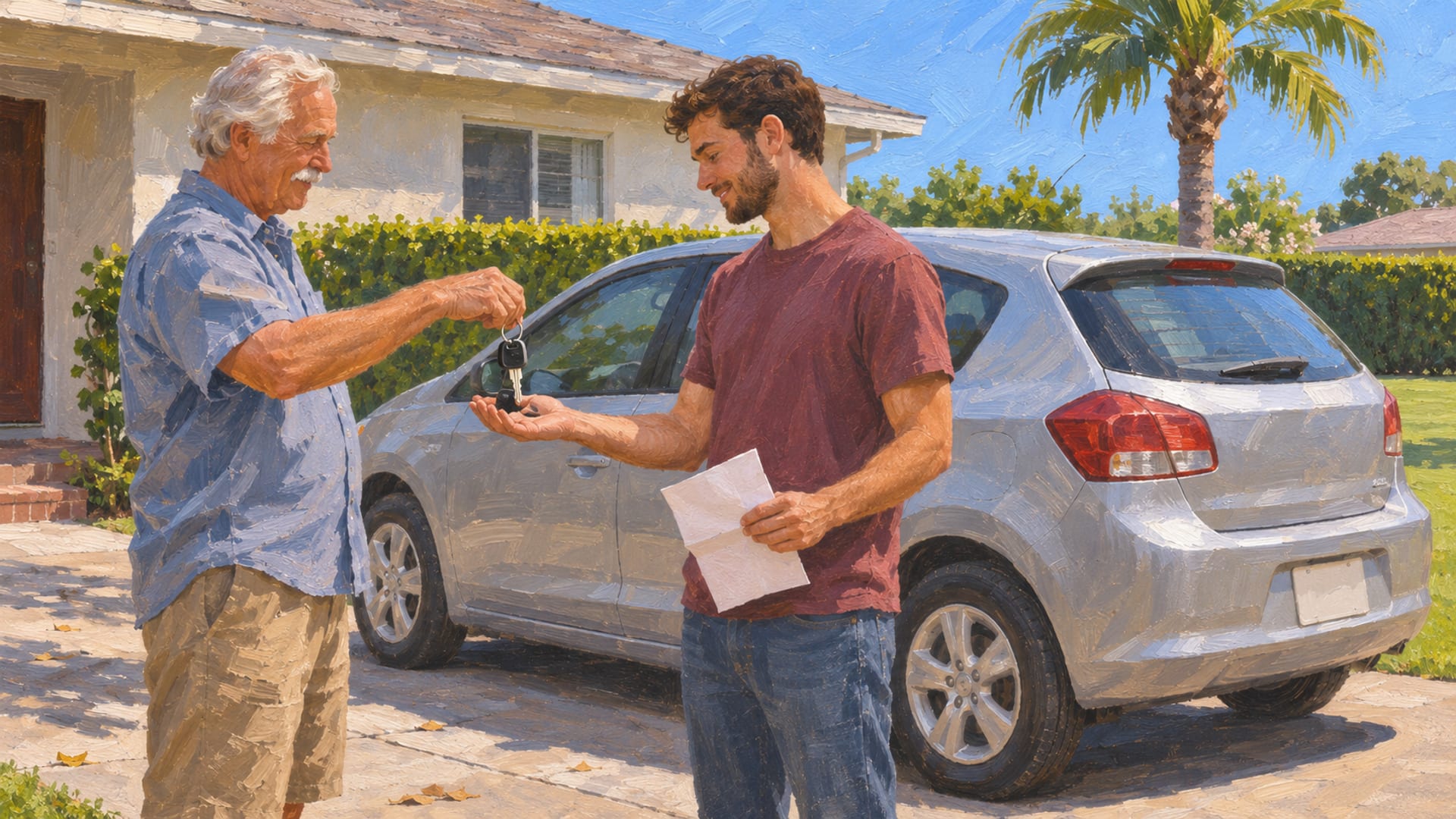
You can sell a car in GTA 6 at Moses’s vehicle-fence garage in Port Gellhorn once you finish his Chapter 2 mission, also called Moses. Pay ’n’ Spray sales open later in the story, and Randy takes selected high-end cars in Chapter 3. GTA 6 launched on PlayStation 5 and Xbox Series X|S on November 19, 2026.
The sequence is short. Scan the car with the WAiNK phone app, read its tracker and sale value, lose police attention, drive it to the buyer and choose “Sell.” If you would rather keep the car, “Register” is the other choice, and it costs a fee and a garage space.
Prices, limits and tracker behavior in the launch build can change with patches. The numbers below are dated examples from launch reports, so confirm the figure on your own sell prompt before you commit.
Key Takeaways
First buyer
Moses buys older, lower-value cars with no tracker at his garage in Port Gellhorn after the Chapter 2 mission “Moses.”
Check first
Scan the car with the WAiNK phone app to read its tracker, condition and sale value before you drive anywhere.
Sell or keep
Choosing “Sell” turns the car into cash, while “Register” keeps it for a fee and a garage space.
Later buyers
Pay ’n’ Spray and Randy open as the story moves on, so look for the Sell option in your own game.
Where you can sell a car
Three buyers cover the cars you take off the street, and each one opens at a different point in the story. Moses comes first. Pay ’n’ Spray and Randy follow as you progress, and each has its own rules about what it will accept.
The table lines them up side by side. Treat the story points and the limits as launch-build reports that can shift with your progress and with patches.
Buyers compared
| Buyer | Opens | Accepts | Reported limits |
|---|---|---|---|
| Moses, Watkins Auto Parts, Port Gellhorn | Chapter 2, after the mission “Moses” | Older or lower-end street cars with no tracker | A short pause between sales; rejects cars taken too close to his garage |
| Pay ’n’ Spray | Later in the story; look for the Sell option in your game | Cars and some motorcycles or bikes; some trackers may be accepted after a story step | PC Gamer reports a three-car daily limit; a shop may close briefly after a sale |
| Randy | Chapter 3 | Selected high-end cars on his list | Reported to pay more for qualifying luxury cars; check his current list in game |
WAiNK is the phone app you use to check a car, and it is not a buyer. There is no confirmed website or phone app that purchases a vehicle for you. The deal always happens at a buyer’s location.
How to sell a street car, step by step
The route from the street to the sell prompt is the same for every buyer. The steps below follow the order that launch guides describe, and the timeline gives you the short version.
Start with the scan. Before you commit to taking a car, open WAiNK and scan it. The app shows the car’s sale value, condition, security, tracker status and registration cost, which is enough to decide whether it is worth the drive.
Then take the car through the normal game interaction and get away from any police attention. Lose the heat before you reach the buyer, because launch reports say you need to be clear of police attention before you enter a buyer’s garage or Pay ’n’ Spray.
Selling a car, start to finish
Scan
Open WAiNK and scan the car you want to sell.
Read
Check the tracker, condition, sale value and registration cost on the scan.
Pick a buyer
Match the car to Moses, Pay ’n’ Spray or Randy based on how far you are in the story.
Take it
Take the car through the normal game interaction.
Lose police attention
Get clear of the police before you head for the buyer.
Drive carefully
Avoid crashes on the way, since damage can lower the offer.
Choose Sell
At the buyer, pick “Sell” rather than “Register.”
Confirm
Check the payout, and note any pause or daily limit before your next car.
Moses in Port Gellhorn
Moses runs the vehicle-fence garage behind Watkins Auto Parts in Port Gellhorn, and he is the buyer you meet first. Launch guides say he opens after the Chapter 2 mission “Moses,” and the sell prompt appears when you bring a car to his garage. For the surrounding streets, the Port Gellhorn region guide and the Leonida map help you plan the drive.
He is a fit for an early, ordinary car. Launch reports describe him as buying older, lower-value cars that carry no tracker. In the Xbox launch build, Rare Thief reports a Declasse Granger selling to Moses for $1,050.
That figure is one dated example from one build, and it is not a price list. The creator WiLLiSGaming shows scanning, picking a street car and selling to Moses in the video “GTA 6 FAST CASH Method! Do This ASAP!” posted November 19, 2026, and the reported payouts there were $1,155 and $550. Those numbers show that the same buyer pays different amounts for different cars.
What makes Moses turn a car down
Moses reportedly pauses between sales, so a prompt that is missing can simply mean a short wait. When the Sell prompt returns, you can bring the next car. Tech4Gamers also reports that he rejects cars taken too close to his garage, so pick a car from farther away.
A tracker is the other common cause. If the WAiNK scan shows a tracker on the car, Moses is not the buyer to try first. Use the tracker status shown in your own game, since tracker names can differ between builds.
Pay ’n’ Spray sales
Pay ’n’ Spray repaints and repairs cars, and launch guides report that it can also buy them. The point where the Sell option shows up depends on who you ask. One launch guide gives one chapter and another gives a different one, so do not rely on a chapter number. Follow the story, visit a Pay ’n’ Spray and look for the Sell option in your own game.
Once it is there, the accepted vehicles reach a little further than Moses’s. Esports.gg reports cars, motorcycles and bikes, and some cars with a standard tracker may be accepted after the relevant story step. PC Gamer reports a three-car daily limit, and a shop may close for a while after a sale.
Treat the on-screen limit and the shop status as the final word. If the shop is closed, try again after a pause or visit another Pay ’n’ Spray. Pay ’n’ Spray can also buy a car you already own, and Rockstar’s GTA+ page for GTA VI lists a 10% increase on eligible owned-vehicle sales for members, subject to membership and platform terms.
Randy and high-end cars
Randy is the buyer for cars that Moses will not take. Launch reports place him in Chapter 3 and say he pays more for qualifying luxury cars. PC Gamer’s money guide reports Randy as the higher-value buyer.
Where he is, which mission opens him and which models he takes are reported differently from one guide to the next. So, rely on his current list and buyer marker in your own game rather than a fixed model list from a guide. If a car you scanned looks expensive and Moses will not take it, Randy’s list is the place to check.
A WAiNK scan helps here too. A high sale value on the scan is a good sign that a car belongs on Randy’s list, though only his own prompt confirms it.
Trackers, police attention and car condition
A tracker is security hardware on a car, and it changes both whether a buyer takes the car and how risky the drive is. WAiNK shows the tracker status before you commit to the car. Reports describe a standard tracker that blocks some modifications until the car is registered, and an advanced tracker that can alert police and show your position when you slow down.
The names and exact behavior differ between launch guides, so go by what your scan says. A tracker-free car is the simplest case for an early sale to Moses. An advanced tracker makes the delivery drive more dangerous, so plan a route that keeps you moving.
Police attention comes next. Lose it before you reach the buyer, since a wanted level stops the sale from going smoothly. Condition matters as well, and reports say a damaged car can get a lower offer. A calm drive to the buyer protects the price.
Distance also plays a part. Because Moses reportedly rejects cars stolen too close to his garage, a car from farther across the map is the better pick for him.
Sale limits, pauses and prices
Three kinds of limit show up in launch reports. Moses pauses between sales, Pay ’n’ Spray reportedly caps you at three cars a day and may close briefly after a sale, and Randy has a list of models. Exact pause lengths and caps are not fixed, so watch your own prompt.
For money, think of the examples as snapshots. The $1,050 Granger and the $1,155 and $550 payouts from the video are dated reports from launch week, not a rate card. Your payout depends on the car, its condition and your build.
Scan values are the better guide. WAiNK shows the sale value before you take the car, so you can compare cars on the street and choose the one worth carrying to a buyer. Keep it to normal play: the scan, the sale prompt and your own driving are what the route runs on.
Boats and aircraft are a separate question. Before you try to sell a boat, bike or aircraft, check the options a service offers for that vehicle before you assume anything. Moses, Pay ’n’ Spray and Randy are the three buyers to rely on.
Sell or register
Selling and registering are two ends of one choice. “Register” makes the car yours. It costs a fee and needs a garage slot, and the car stays in your collection. “Sell” hands the car over for cash, and it leaves your list of available cars.
A simple rule works for most cars. If the car is ordinary and you need room or money, sell it. If it is one you want to drive, paint or customize, register it. The step-by-step on keeping a car is in how to register a car in GTA 6.
Space is the other limit. A registered car needs a place to live, so see GTA 6 garages for how storage works. If you later lose a registered car to impound, the GTA 6 car impound guide covers getting it back.
Keep a buy-versus-sell split in mind too. Selling is how you turn a street car into cash, while where to buy cars in GTA 6 covers paying for one. For taking cars from the street in the first place, see stealing and abandoned cars in GTA 6.
Which buyer for the car in front of you
Match the car to the buyer, then check the prompt. Moses suits an older, lower-value car with no tracker. Pay ’n’ Spray is the next stop once its Sell option appears in your game, and Randy is for a qualifying high-end car that Moses would pass over.
If a buyer says no, run through the usual causes. Look for a tracker on the scan, check the distance from Moses’s garage, make sure police attention is gone, check for damage and wait out any pause or daily limit. Those are the causes launch reports link to a rejected sale.
Also check the version you are playing. Buyer names, story points, prices and limits can all change with a patch, and the details here reflect the launch build of November 18 to 20, 2026. Rockstar’s GTA VI page lists PlayStation 5 and Xbox Series X|S for launch and shows no PC release date. The PC countdown tracks that status.
Update note
These details reflect the PS5 and Xbox Series X|S launch build, November 18 to 20, 2026. Buyer locations, story points, tracker rules, prices, pauses and daily limits are the details most likely to shift, so your own game wins when it differs from a number here.
Once a car is sold or registered, the next job is usually the garage. Browse the garage hub for vehicle pages, or send in your own build on the submit page.
Glossary
Tap a term to see what it means.
WAiNK. The phone app that scans a car and shows its tracker, condition, sale value and registration cost.
Vehicle fence. A buyer that purchases street cars, like Moses at his garage in Port Gellhorn.
Tracker. Security hardware on a car that affects whether a buyer takes it and how risky the drive is.
Standard tracker. A reported tracker type that blocks some modifications until the car is registered.
Advanced tracker. A reported tracker type that can alert police and show your position when you slow down.
Registration. The step that makes a street car yours, for a fee and a garage space.
Pay ’n’ Spray. A vehicle service shop that repairs and resprays cars and, once its Sell option appears, buys them.
Garage slot. The storage space a registered car needs.
Related articles
How to get your car out of the impound in GTA 6
Get your car out of the impound in GTA 6 by finding the marked police lot on the map's Personal index, or request delivery through Scooter Bros.
Where to find GTA 6 car pictures and screenshots
Find GTA 6 car pictures in Rockstar's galleries, then take your own screenshots with Photo Studio or the PS5 and Xbox capture tools. Credit what you share.
GTA 6 garages: locations, space and storage
Find GTA 6 garage locations, the slots reported at launch, story and edition unlocks, and how to store and register a car on PS5 or Xbox Series X|S.