Port Gellhorn guide: car builds and photo spots in GTA 6
Port Gellhorn guide for GTA 6: the Starlet Motel and Delights Cabaret for neon and night shots, roadside spots for car builds, and the current platforms.
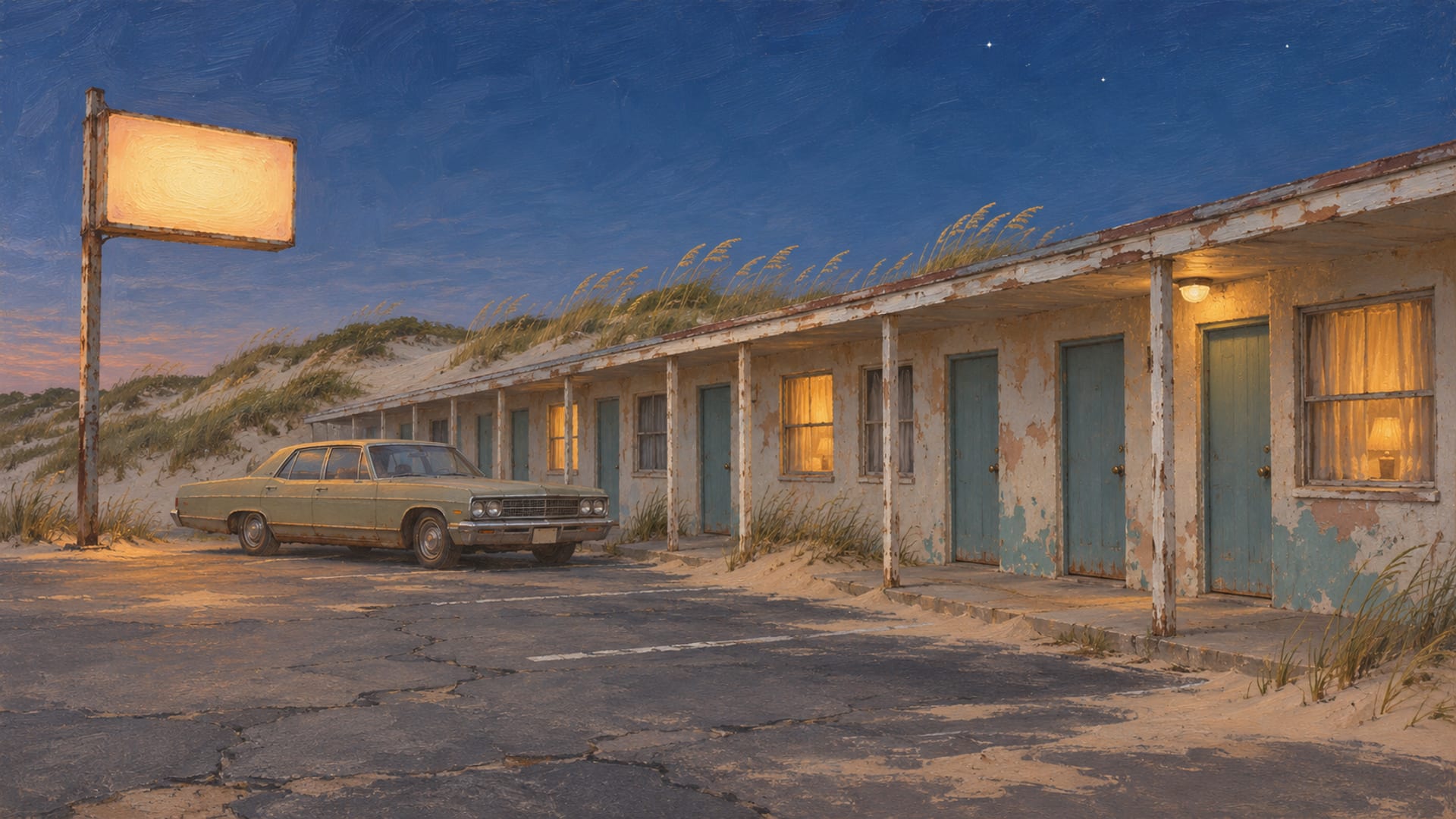
Port Gellhorn is the worn-down former vacation coast of Leonida, and Rockstar's screenshots support the Starlet Motel for neon roadside shots and Delights Cabaret for wet-street nightlife frames.
Two more backgrounds, Pawn & Gun and Crossroad Park Mini Mall, come from a creator's map page rather than from Rockstar, so treat them as places to confirm in your own save. Gellhorn Raceway is a community lead for track and drag framing.
GTA VI is out now on PlayStation 5 and Xbox Series X|S. Rockstar has not announced a PC release date. Access to businesses and interiors can change with story progress and patches, so check each spot in game before you plan a build around it. For the other regions, see the Leonida map.
Key Takeaways
Rockstar-shown spots
Rockstar's screenshot gallery supports the Starlet Motel for neon roadside shots and Delights Cabaret for nightlife frames.
Creator spots
Pawn & Gun and Crossroad Park Mini Mall come from a creator's map page, so confirm them in your own save before you drive over.
Platforms
GTA VI is out on PlayStation 5 and Xbox Series X|S, and Rockstar has not announced a PC release date.
Check first
Location, time of day, weather and traffic can all change a shot, so look at the spot in your own game before you commit a build to it.
What Port Gellhorn looks like
Rockstar presents Port Gellhorn as "Leonida's forgotten coast" in Trailer 2. It is a former tourist area where cheap motels, shut-down attractions and empty strip malls stay standing after the visitors leave. The newer economy there is described through malt liquor, painkillers and truck-stop energy drinks.
For a car builder, that adds up to a clear visual mood. Think faded coastal tourism rather than Vice City glamour: low-rise roads, cheap lodging, worn commercial strips, night signage and informal gathering places.
Rockstar's screenshot gallery shows Port Gellhorn's motel signage, cabaret nightlife, grow-room imagery, roadside neighborhoods, bonfire culture and neon-lit streets. Those frames are a good starting point for deciding what kind of build you want to park in front of the scenery.
PC Gamer's map roundup describes the region in similar terms, as a former tourist trap with abandoned malls and greasy hotels. It is a region of the game world, so it works as a backdrop for a build, not as a single town with one main street.
Which spots Rockstar shows, and which to confirm
Two of the spots below appear in Rockstar's own Port Gellhorn screenshots, and the rest come from a creator's map. Confirm a creator-mapped spot on your own map before you drive over.
The Starlet Motel and Delights Cabaret both appear in Rockstar's Port Gellhorn screenshots. Treat them as scenes to find in your own game, and check the route on your own map.
Pawn & Gun and Crossroad Park Mini Mall are named on the creator map page Port Gellhorn in GTA 6: The Panhandle Town at gta6.how, updated September 23, 2026. Check the placement and the business names on your own map before you plan a shoot there.
Community maps such as the GTAMI interactive map are useful for leads. They can change and can hold pins that players added, so treat each pin as a lead and look at the spot in your own game.
Starlet Motel for neon roadside builds
The Starlet Motel is the strongest pick in Rockstar's gallery for neon, vacancy-sign and roadside motel shots. A parked car in front of a motel sign gives you a ready-made color source, so you do not have to fight the background to make the paint read.
A retro cruiser or a lowrider suits this scene. Their long bodies and low stance sit well against a low-rise motel row, and a saturated paint job picks up the sign light on the roof and hood. If you are choosing a color first, the GTA 6 paint jobs guide covers what the paint options look like in the live menu.
For a character shot, the same spot gives you a motel-night portrait with the sign behind the shoulder. Keep the camera low and wide for the car, then step in close for the face or the outfit.
The sign is the reason to come here, so night is the time to try first. Check how the light looks at different times of day in your own save, and if you shoot it by day too, treat it as a quieter scene with the car and the worn paint doing the talking.
Delights Cabaret for nightlife and dark builds
Delights Cabaret also appears in Rockstar's Port Gellhorn screenshots, and it is the one to pick for wet-night neon and low-light character shots. Rockstar's frames pair nightlife signage with neon-lit streets, which is exactly the lighting a dark vehicle wants.
A dark nightlife build works well here. Black, deep blue or dark green paint with a few reflective details lets the wet pavement and the signage do the work. Glossy paint shows reflections, so choose a finish with that in mind and look at the choices in the Garage section.
For outfits, the cabaret frontage suits a night look with strong contrast, such as a dark jacket against bright signage. The Wardrobe section has outfit ideas you can match to the scene.
A practical tip for any night shot is to take one wide frame that shows the whole sign and street, then a second tight frame on a single detail such as the wheel, the badge or a jacket collar. The two frames together tell the story better than one compromise shot.
Pawn & Gun for utility and getaway builds
Pawn & Gun comes from the creator map page, which lists it as a Port Gellhorn roadside business. The creator associates it with pawn-shop facade shots, rough-town cars and getaway compositions. Confirm that the business is there and open to approach in your own save before you plan a shoot around it.
A utility truck, a pickup or a plain getaway sedan fits that mood. The idea is a car that looks like it belongs to the street: a little weathered, nothing flashy, with wheels and paint chosen to blend into the roadside.
If you want a look that says "ready to leave," keep the paint simple and put the work into stance and wheels. The wheels and rims guide covers what the live menu offers, and the car customization post covers the overall build flow.
Because this spot rests on a creator's listing, it is a good candidate for your own observation. If you see it and shoot it, note the platform, version and time of day, because that is what turns a creator lead into something other players can rely on.
Crossroad Park Mini Mall for daily drivers and beaters
Crossroad Park Mini Mall is listed on the same creator map page, and the creator describes it as a faded commercial strip with abandoned retail. Treat it as the creator's placement, not a Rockstar one, and confirm it in game before you build a shoot around it.
The scene suits a daily driver or a beater: a sun-faded compact, a sedan with mismatched panels or a van with no ambition at all. An empty strip mall is a plain, flat backdrop, so the car is the whole subject. Muted paint and stock-looking wheels fit the mood better than chrome.
It also works for streetwear. A casual outfit against a shuttered storefront reads as a scene from a place where the shops have closed. If you want ideas for that look, the Wardrobe section is the place to start.
Because the strip is wide and open, you have room to move the camera. Try a wide frame that shows the empty lot and the car small in the middle, then a low close-up of the bumper and the worn paint.
Gellhorn Raceway as a lead for track builds
PC Gamer's map roundup lists Gellhorn Raceway in the region. That makes it a community lead for track and drag framing, not a confirmed photo location with known access.
If you are building a performance car and want a racing backdrop, it is worth looking for in your own save. The performance upgrades post covers the parts side of a track build. Whether the raceway offers activities, and when, can change with story progress and patches, so check it in game before you plan around it.
Hank's Waffles and Uncle Jack's Liquor also appear on the creator map page, as a diner-style scene and a liquor-store facade. Both are the creator's listings, so they are leads to look for in game rather than confirmed locations.
Spot-by-spot comparison
The table below puts the five spots side by side with the kind of build each one suits and where each one is reported. Use the last column to decide how much checking each spot needs before you drive over.
Port Gellhorn spots by build and where each is reported
| Spot | Scene type | Build use | Where it is reported |
|---|---|---|---|
| Starlet Motel | Motel neon and roadside setting | Retro cruiser, lowrider, motel-night portrait | Rockstar screenshots |
| Delights Cabaret | Night neon and wet street | Nightlife build, dark paint, dramatic lighting | Rockstar screenshots |
| Pawn & Gun | Roadside shop | Utility truck, getaway car, rough-town build | Creator map page |
| Crossroad Park Mini Mall | Faded commercial strip | Daily driver, beater, streetwear and retail scene | Creator map page |
| Gellhorn Raceway | Racing environment | Track, drag and performance build | PC Gamer map roundup |
Plan a shoot before you drive over
A short routine saves a wasted trip. Start with the game itself, then move to the spot, then to the capture.
The first thing to confirm is your platform and version. GTA VI is out worldwide on PlayStation 5 and Xbox Series X|S from November 19, 2026, per Rockstar's Out Now page, and Rockstar's release-time support page says release came at midnight local time. Business names, interiors and photo options can shift with patches, so note the version you shot on.
Plan a Port Gellhorn shoot
Confirm the platform and version
Use the current PlayStation 5 or Xbox Series X|S release and note the version you are on.
Find Port Gellhorn on your map
Open the in-game map and locate the region or its nearest landmark in your own save.
Choose a scene type
Pick motel, cabaret, retail strip, roadside shop or raceway to match the build.
Match the car or outfit
Pair the paint, wheels or clothing with the background you chose.
Check the conditions
Look at time of day, weather, traffic and pedestrian density at the spot.
Capture two frames
Take a wide establishing frame and a close detail frame.
Record the details
Write down the location, platform and game version with the shot.
Label community pins
Describe a map pin as a lead from a map, not as a coordinate.
If you want camera techniques for the capture itself, the photo mode tips post and the photo mode explainer cover the controls and settings. Confirm the exact controls in your own version, because the camera options can differ by platform and patch.
Platforms and PC status
The supported platforms today are PlayStation 5 and Xbox Series X|S. Rockstar has not announced a PC release date, so a PC version is not part of any plan here. The PC countdown page tracks announcements as they come, and the GTA 6 on PC post explains the current status.
If you play GTA 5 on PC and want to mod it while you wait, single-player mods are covered on their own pages. The mod rules page lists what is and is not allowed, and it applies to single-player and approved platforms only.
The rest of Leonida has its own guides. The Leonida map guide covers the regions together, the Vice City guide covers the city, and the Leonida Keys guide, the Grassrivers guide, the Ambrosia guide and the Mount Kalaga guide each cover their own part of the map.
Quick answers
Is Port Gellhorn part of GTA VI? Rockstar includes it in its screenshot gallery and presents it in Trailer 2 as Leonida's forgotten coast.
Is there a mod shop in Port Gellhorn? For verified customization locations, use the mod shop locations post and the Garage section.
Is Port Gellhorn available from the start? Access to businesses, interiors and activities can depend on story progress and patches, so check each spot in your own save.
Share a Port Gellhorn build
If you shoot a build at one of these spots, send it in with the platform, game version, location and time of day. A shot from the Starlet Motel or the cabaret is easy for other players to compare with Rockstar's own frames, and a shot from a creator-listed spot helps confirm it. You can send a public link through the submit page.
Glossary
Tap a term to see what it means.
Build. A deliberate vehicle, outfit or character styling choice.
Stance. A vehicle's ride height, wheel and posture styling.
Photo mode. The game's camera feature, which depends on the current platform and version.
Mod shop. A location or menu used for vehicle customization, whose name and availability you confirm in the current game.
Creator listing. A place, route or scene a public creator names, limited to what that creator showed.
Community map. A player-maintained location map that can change and may hold pins that players added.
Establishing frame. A wide shot that shows the whole scene before you move in on a detail.
Related articles
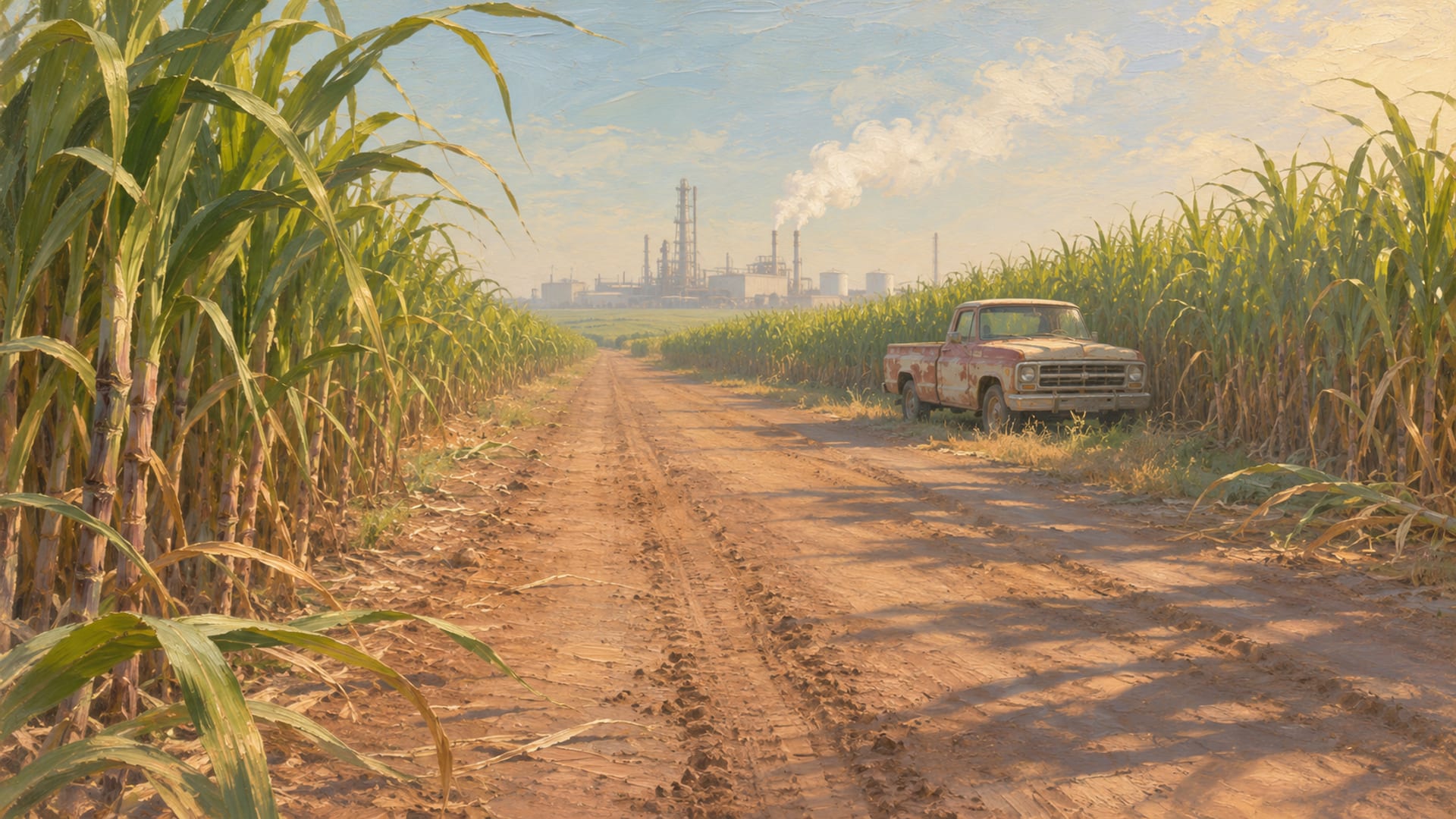
GTA 6 Ambrosia guide: refinery, cane field and town road shots
Ambrosia guide: industrial, biker and rural builds in GTA 6. Refinery towers, town roads and cane fields each frame a different kind of vehicle shot.
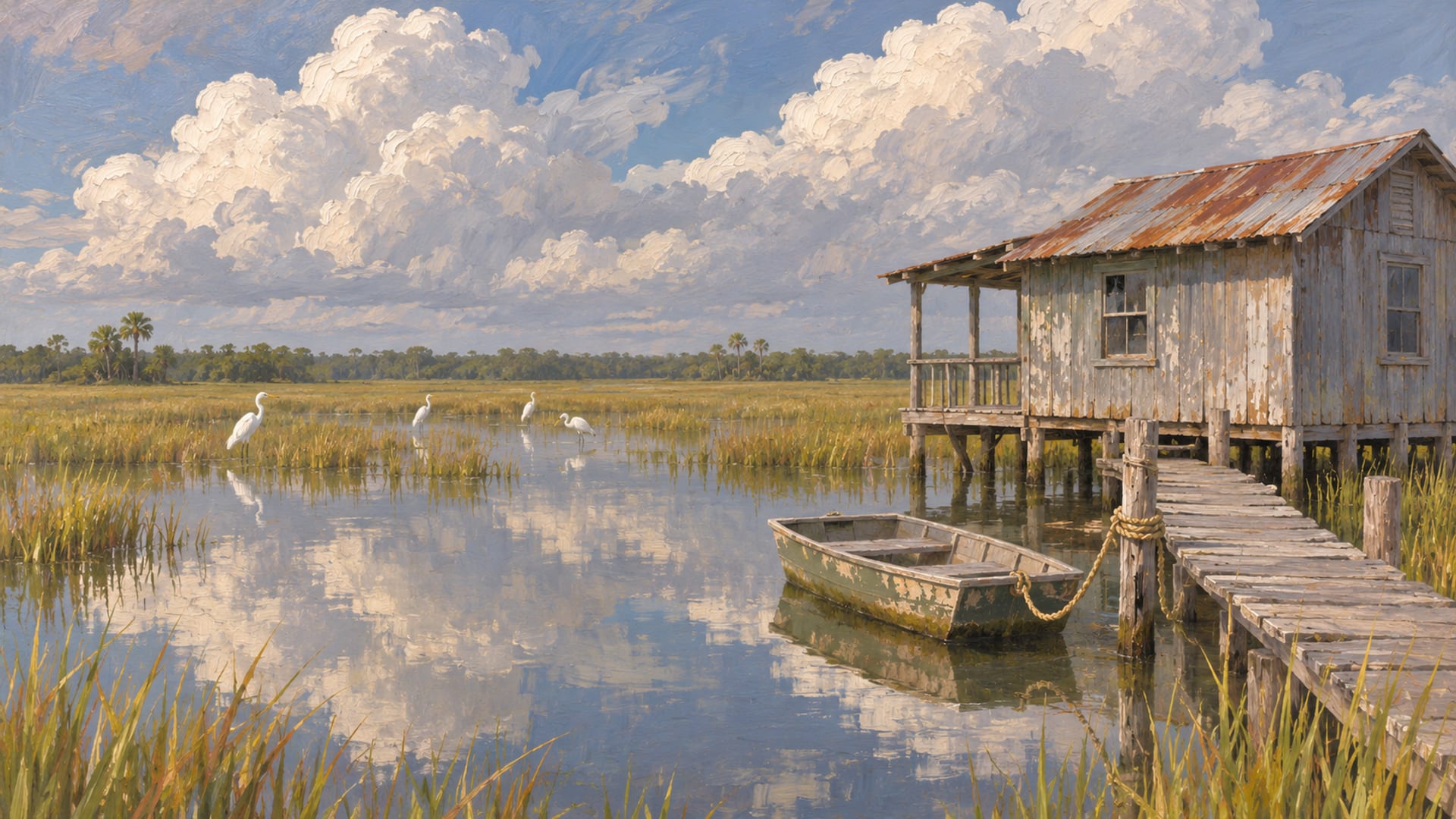
GTA 6 Grassrivers guide: off-road builds and photo spots
Grassrivers guide for GTA 6: Leonida's wetland region, with mangroves, airboats, alligators and raised buildings. Off-road and photo ideas by shot type.
GTA 6 map guide: Leonida's six regions and what each suits
GTA 6 map guide: pick a Leonida region by terrain. Vice City for driving, Mount Kalaga for off-road, and which access notes to confirm before you travel.